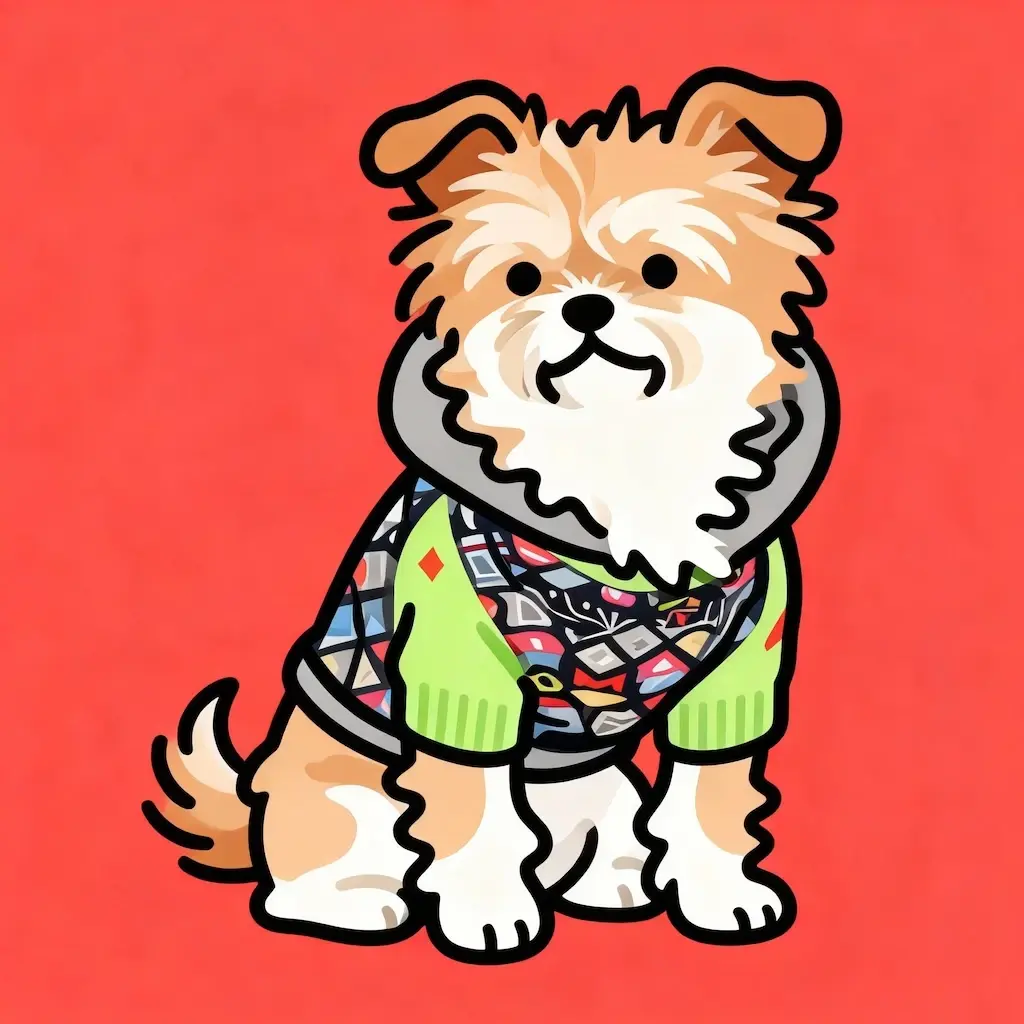
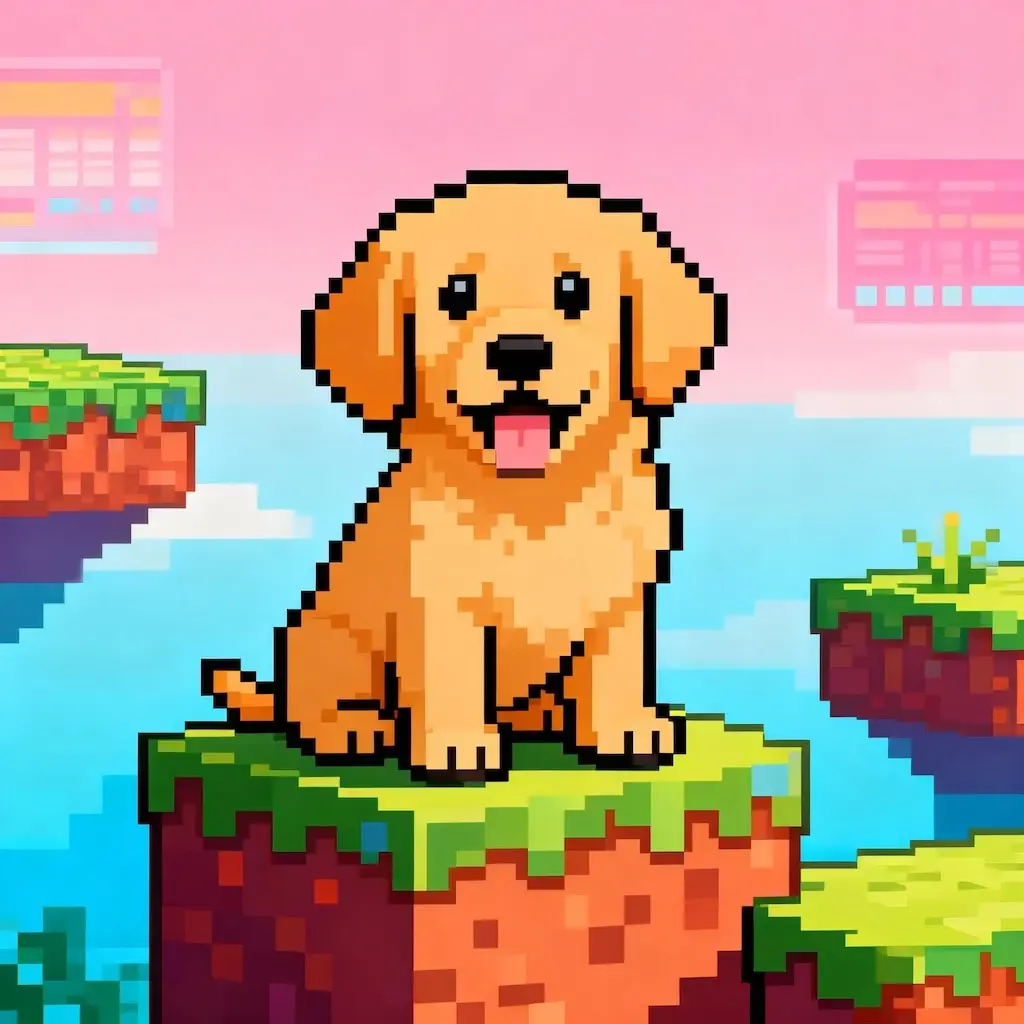
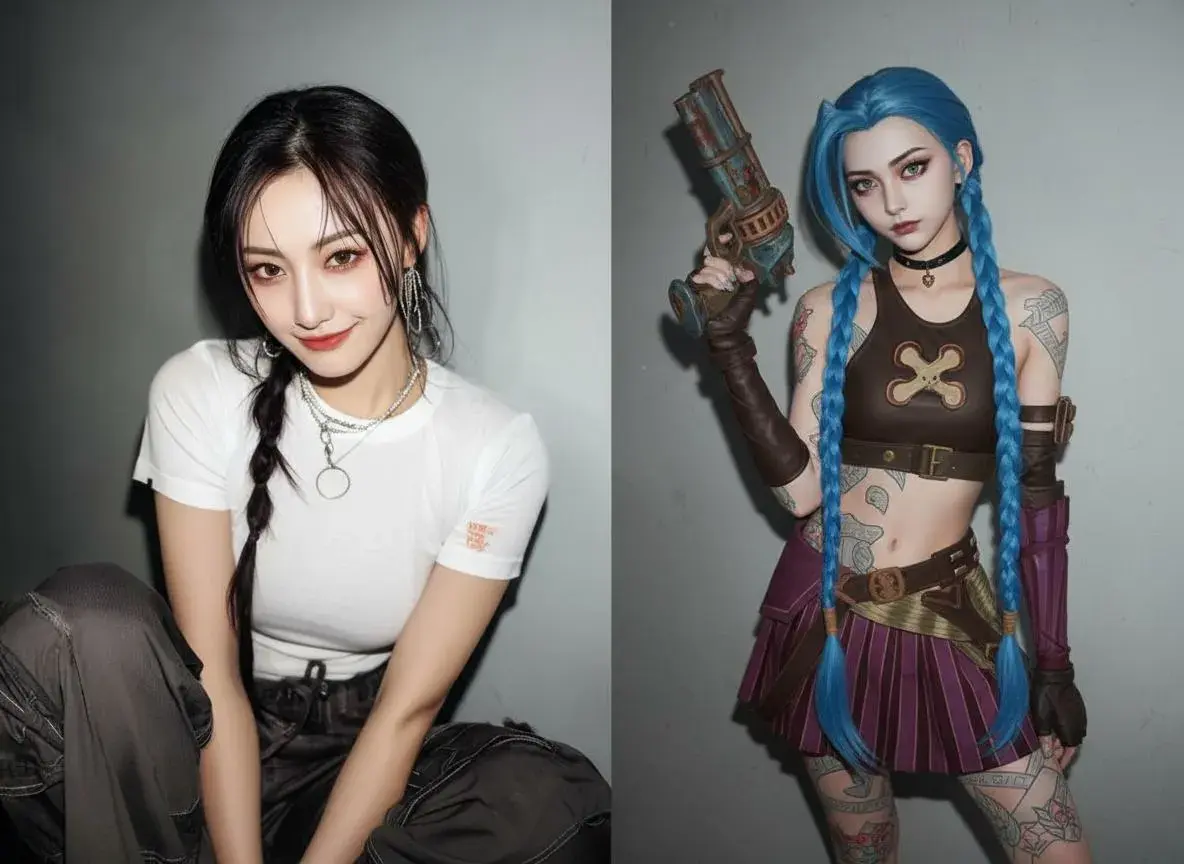
GPT Image 2.5 AI Image Generator
OpenAI's latest image model for text-to-image and image editing. Upload up to 16 reference images, choose Flare for speed or Sunburst for detail, and export at 1K, 2K or 4K.
Frequently asked questions
What is GPT Image 2.5?
GPT Image 2.5 is OpenAI's latest image model, and on Viw AI you can use it as a free AI image generator and editor. Describe a scene to create an image from text, or upload reference images and tell it what to change.
Is GPT Image 2.5 free to use?
You get free credits when you sign up, and a 1K image costs 6 credits, so you can try GPT Image 2.5 without paying. Once you use them up, top up credits or pick a plan.
How is GPT Image 2.5 different from GPT Image 2?
GPT Image 2.5 adds two modes, Flare and Sunburst, takes up to 16 reference images instead of 10, and lets you export at 1K, 2K or 4K. It builds on the text rendering and precise editing GPT Image 2 is known for.
What is the difference between Flare and Sunburst?
Flare is the fast mode, good for drafts, social posts and quick iterations. Sunburst spends more time on fine detail and precise edits, so it is the better pick for final assets. Both cost the same credits.
How do I edit an existing image with GPT Image 2.5?
Switch to Image to Image, upload up to 16 reference images in PNG, JPEG or WebP, then describe the change you want, such as swapping a background, recoloring a product or combining elements from several photos. Reference images do not add credits.
Which resolutions and aspect ratios does it support?
Export at 1K, 2K or 4K. Aspect ratios include square, landscape and portrait formats such as 1:1, 16:9, 9:16, 3:2 and 21:9, plus Auto if you want the model to decide. A few of the less common ratios are 1K only.
How many credits does one image cost?
6 credits at 1K, 10 at 2K and 16 at 4K, the same for Flare and Sunburst and for generating or editing. If a generation fails, the credits are refunded automatically.
Can I use the images commercially?
Yes. You own the images you generate and can use them in products, marketing or client work. Just make sure you have the rights to any reference images you upload, and follow Viw AI's terms.