
Seedream 5.0 Lite — AI Image Generator and Editor
Create 2K–4K images from a prompt or reference image. Adjust individual details, then download the result as PNG or JPEG.
Frequently asked questions
What is Seedream 5.0 Lite?
Seedream 5.0 Lite generates images from text and edits existing images. It supports multiple aspect ratios, reference images, and output at 2K, 3K, or 4K.
How does deep thinking help?
It helps the model interpret detailed prompts, connect instructions with your reference images, and handle requests that would otherwise be ambiguous.
When is real-time web search useful?
Web search is useful when a prompt depends on current people, places, products, or events. It gives the model more recent context before the image is generated.
How can I refine an image in several steps?
Upload your latest result as a reference image, describe the next change, and generate again. This works well for adjusting lighting, replacing an element, or fine-tuning a style without starting from scratch.
How do reference images guide the result?
You can upload up to 14 reference images to guide the composition, color palette, subject details, or overall visual style.
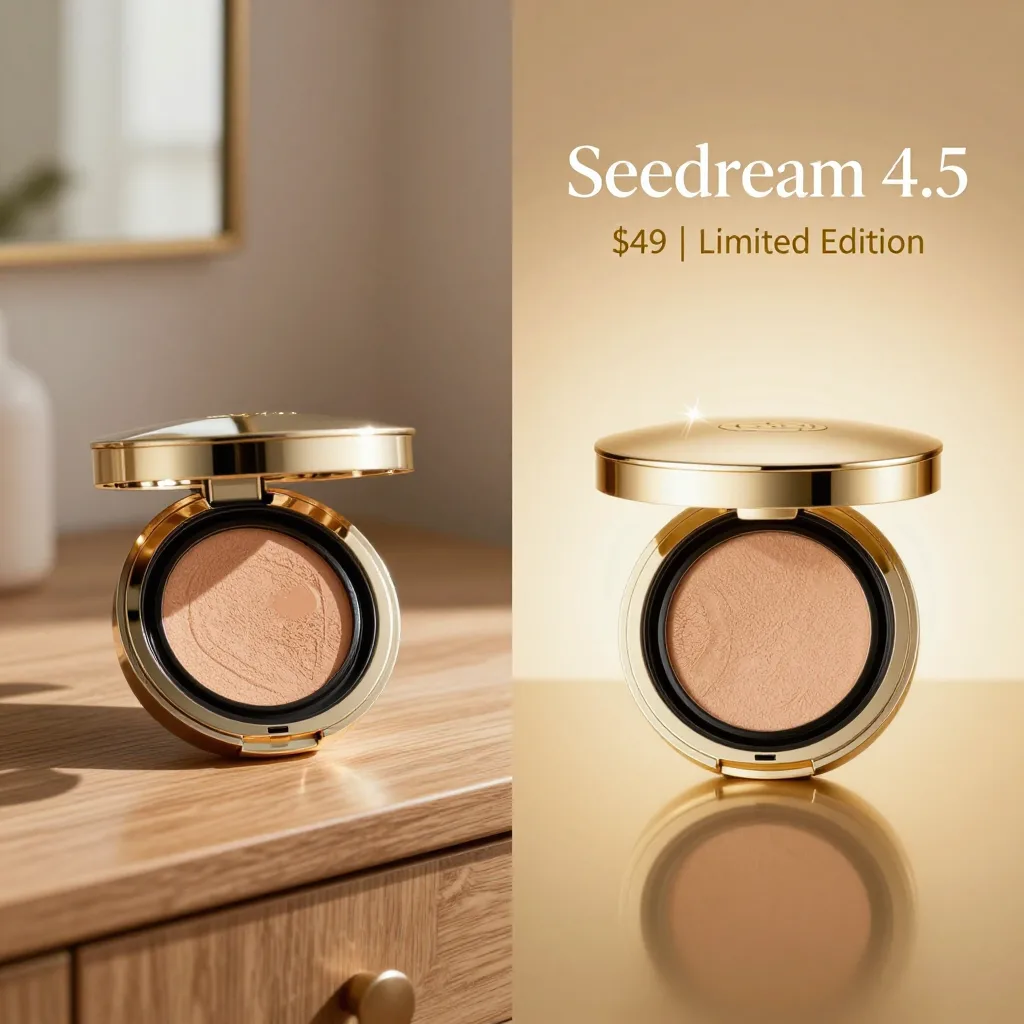
How does it compare with Seedream 4.5?
Seedream 5.0 Lite handles complex prompts, text in images, and edits with multiple references more reliably while keeping generation fast.
Which resolutions and formats are available?
Choose 2K, 3K, or 4K output and export the result as PNG or JPEG. Both text-to-image and image-to-image workflows are supported.
Is Seedream 5.0 Lite free to use?
New users receive free credits to try it. You can buy more credits or subscribe for additional usage. Failed generations are refunded automatically; see the Pricing page for details.