Join the viral caricature trend—turn your photo into a fun cartoon portrait
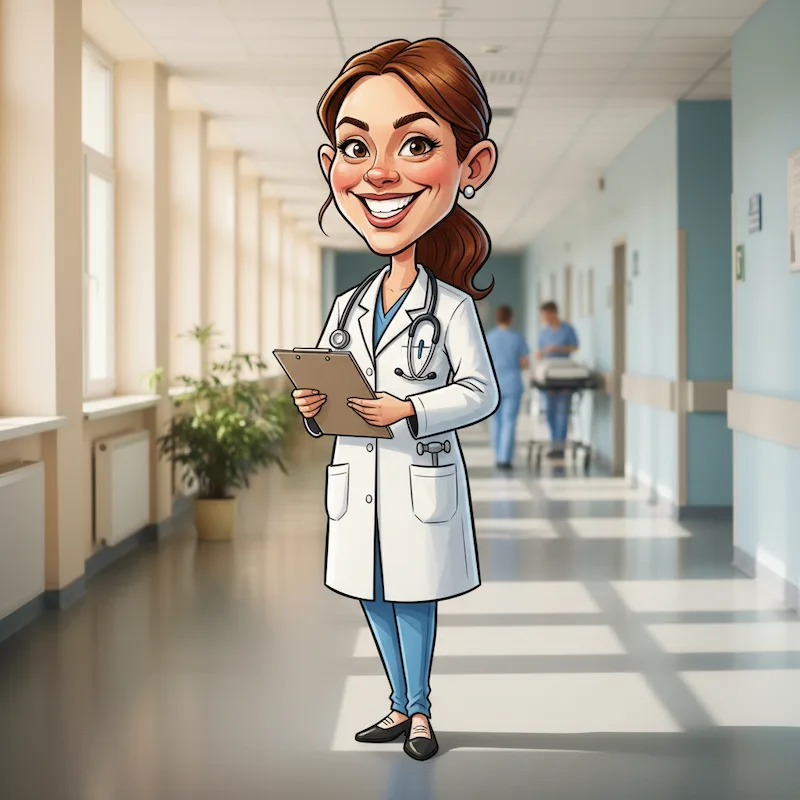
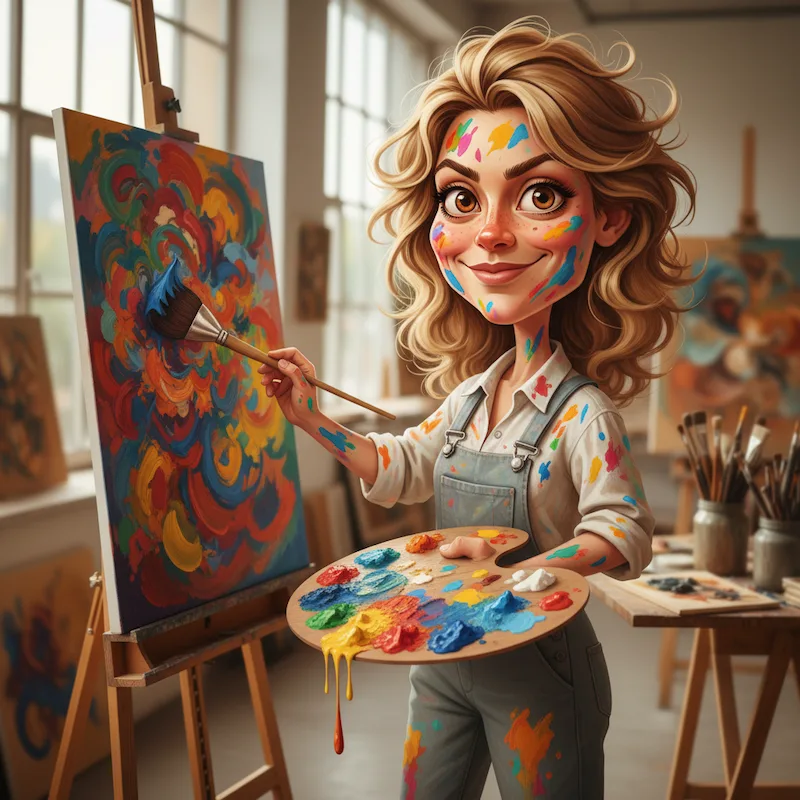
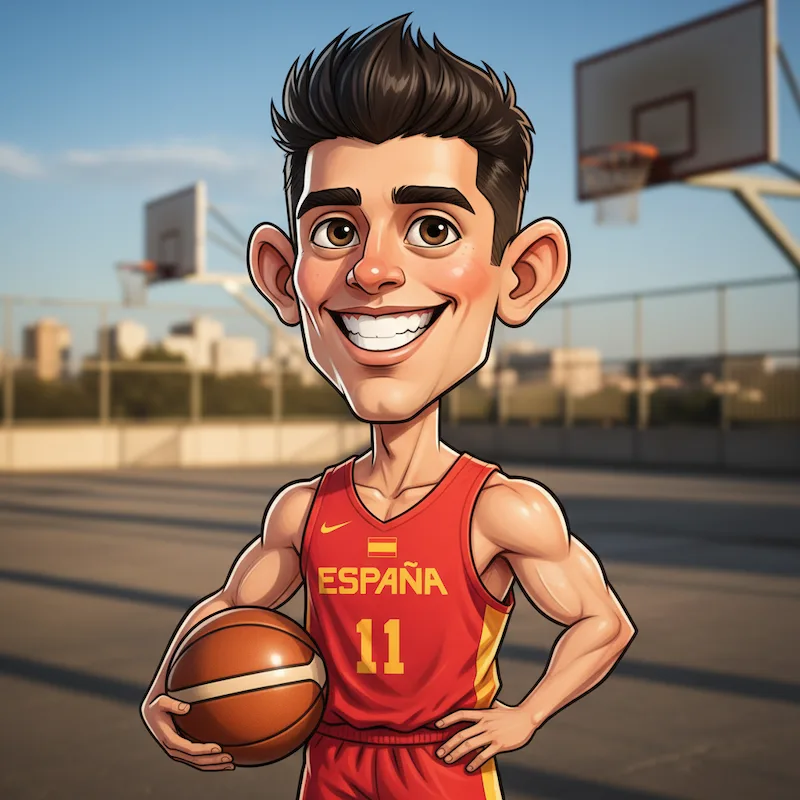
ChatGPT Caricature
Join the viral caricature trend—turn your photo into a fun cartoon portrait
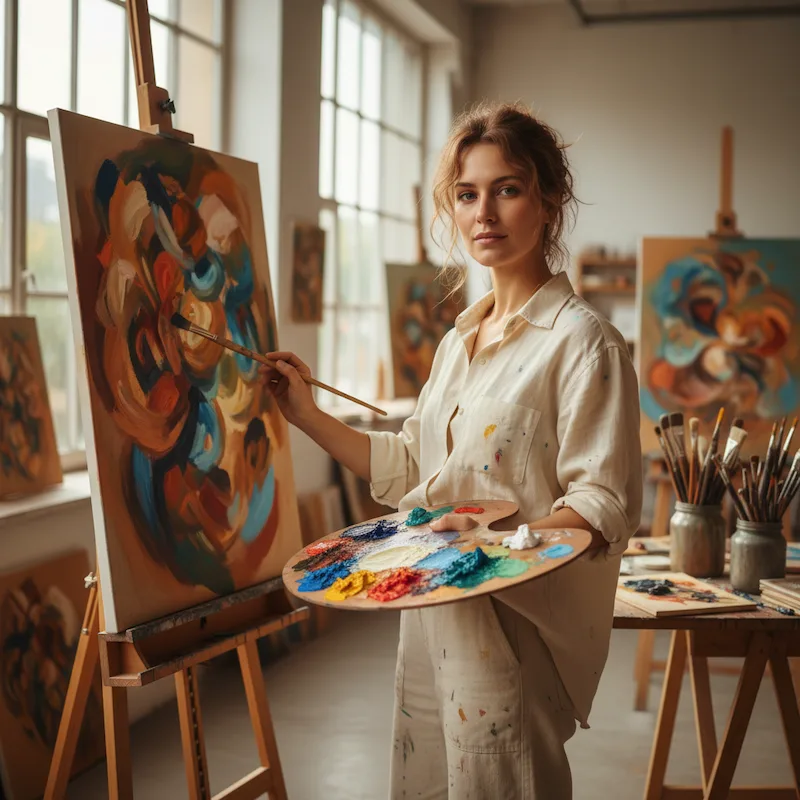
Examples
Drag the slider to compare before and after

Frequently asked questions
What is the ChatGPT caricature trend?
It's a viral trend where you turn your photo into a cartoon caricature showing your job and personality. The AI exaggerates your features—bigger eyes, stylized expressions—while keeping you recognizable. Originally popular on ChatGPT, now available free here.
How do I do the ChatGPT caricature trend?
Upload a clear face photo and hit generate. The AI automatically analyzes your photo to detect your profession and context, then creates a fun, shareable caricature in about 20 seconds—no ChatGPT Plus subscription needed.
What prompt does this tool use for caricatures?
Our AI uses a proven prompt optimized for the viral caricature trend. It analyzes your photo to detect your profession and context, exaggerates facial features, adds relevant props and backgrounds, and creates that playful cartoon style. Just upload your photo and the AI handles everything.
What kind of photo works best for caricature?
Front-facing photos with good lighting work great. Clear facial features help the AI capture your likeness. Selfies, headshots, and casual portraits all work well for the caricature trend.
How does the AI know my profession?
The AI analyzes visual cues in your photo—clothing, background, accessories, and context—to detect your profession and create a matching caricature. For best results, use a photo that shows your work environment or professional attire.
Is this free? Do I need ChatGPT Plus?
No ChatGPT Plus needed! New users get free credits to try it out—no card required. This is a standalone tool that creates the same viral caricature effect.