Try on braces instantly with AI—see a realistic preview with natural lighting
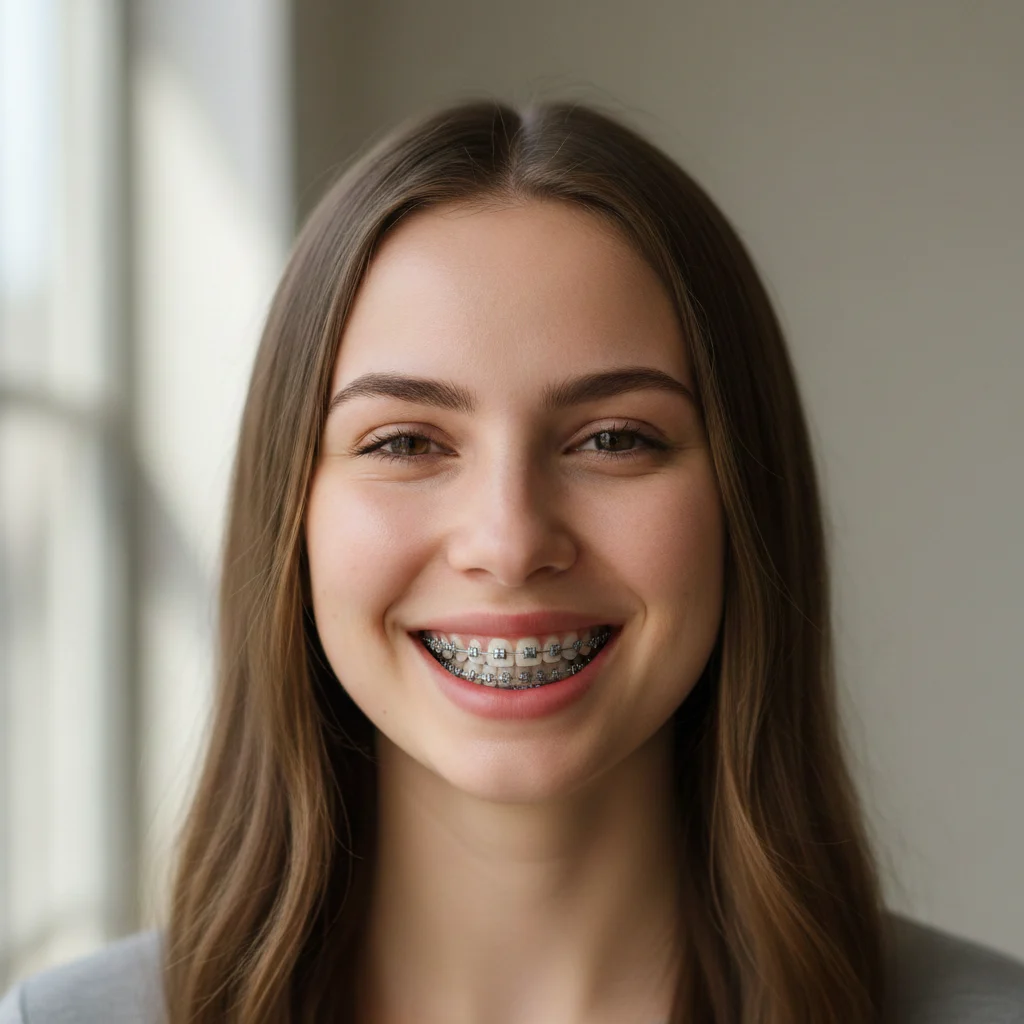
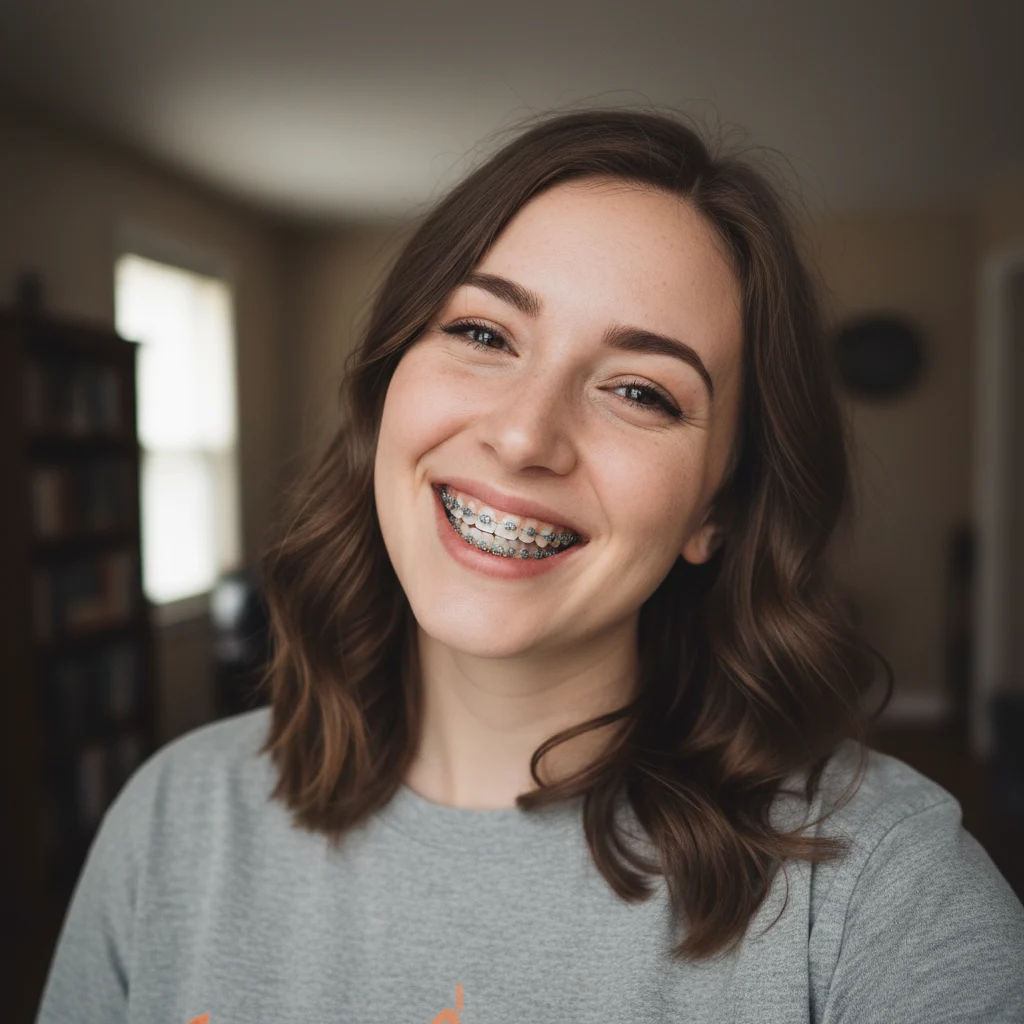
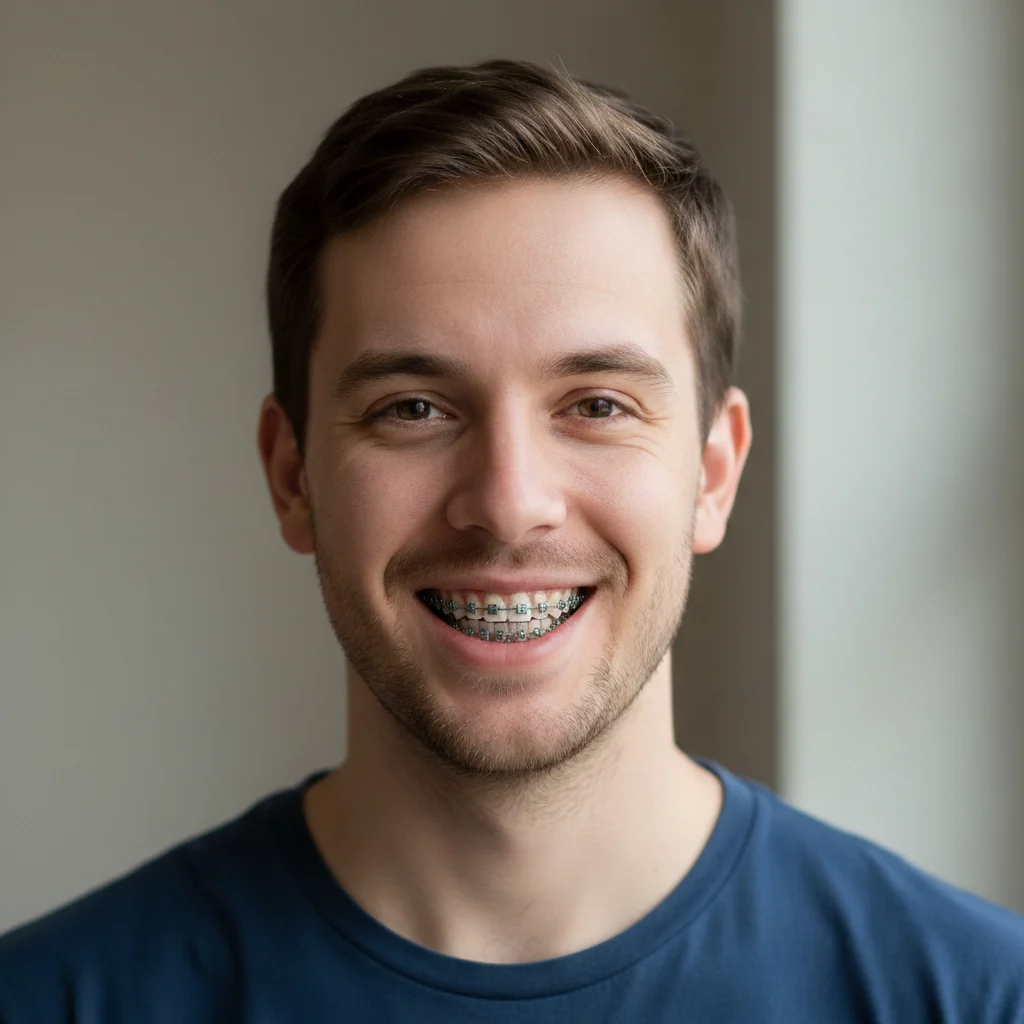
AI Braces Filter
Try on braces instantly with AI—see a realistic preview with natural lighting
Examples
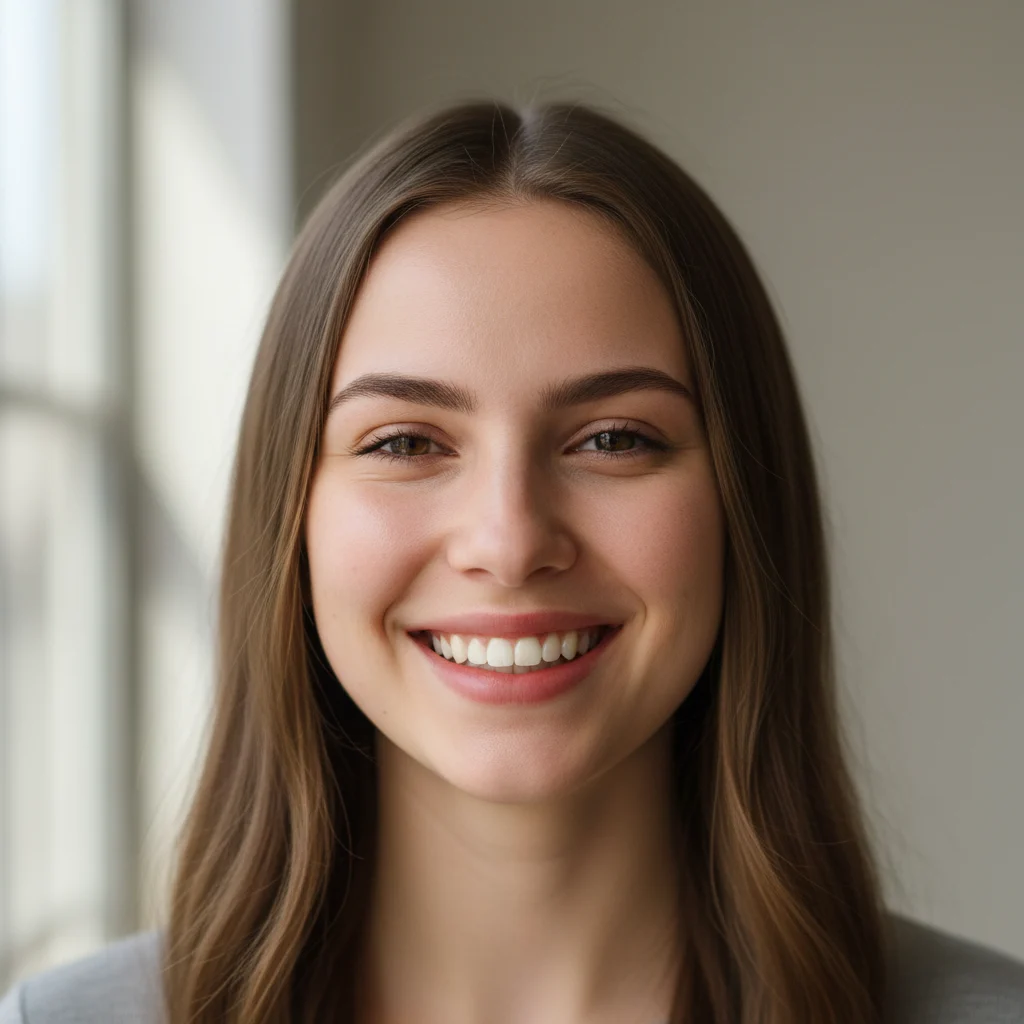
Drag the slider to compare before and after

Frequently asked questions
What does this filter actually do?
It adds realistic-looking dental braces to your photo. The AI analyzes your smile, teeth shape, and lighting to place braces that look natural—like you're actually wearing them. Great for previewing orthodontic treatment or just having fun.
What kind of photo works best?
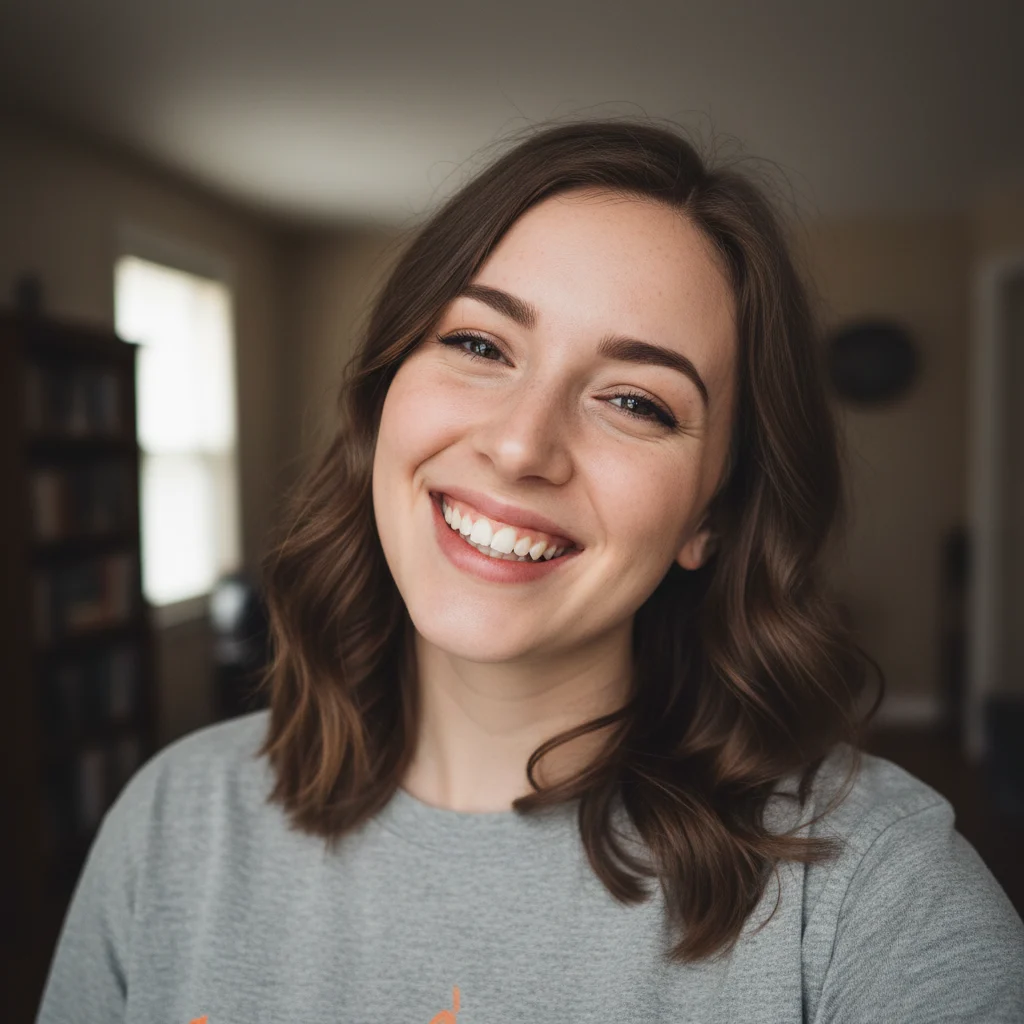
A smiling photo showing your teeth works best. Front-facing, good lighting, and a natural smile will give you the most realistic results. Avoid photos where your mouth is closed or teeth aren't visible.
Will the braces look realistic?
Yes. The AI matches the braces to your teeth shape, adjusts for lighting conditions, and keeps your natural smile expression. The result looks like an actual photo of someone wearing braces, not a digital overlay.
Can I use this to preview orthodontic treatment?
It's great for getting a general idea of how you might look with braces. Keep in mind this is an AI visualization—actual orthodontic treatment would be customized by your dentist based on your specific dental structure.
What image formats are supported?
PNG, JPG, JPEG, and WebP. Maximum file size is 10MB. Higher resolution photos with clear smiles produce the best results.
How long does it take?
Usually 10-20 seconds. The AI needs to analyze your smile and teeth to place the braces realistically, so give it a moment to work its magic.