Create professional headshots from any photo instantly
AI Headshot Generator
Create professional headshots from any photo instantly
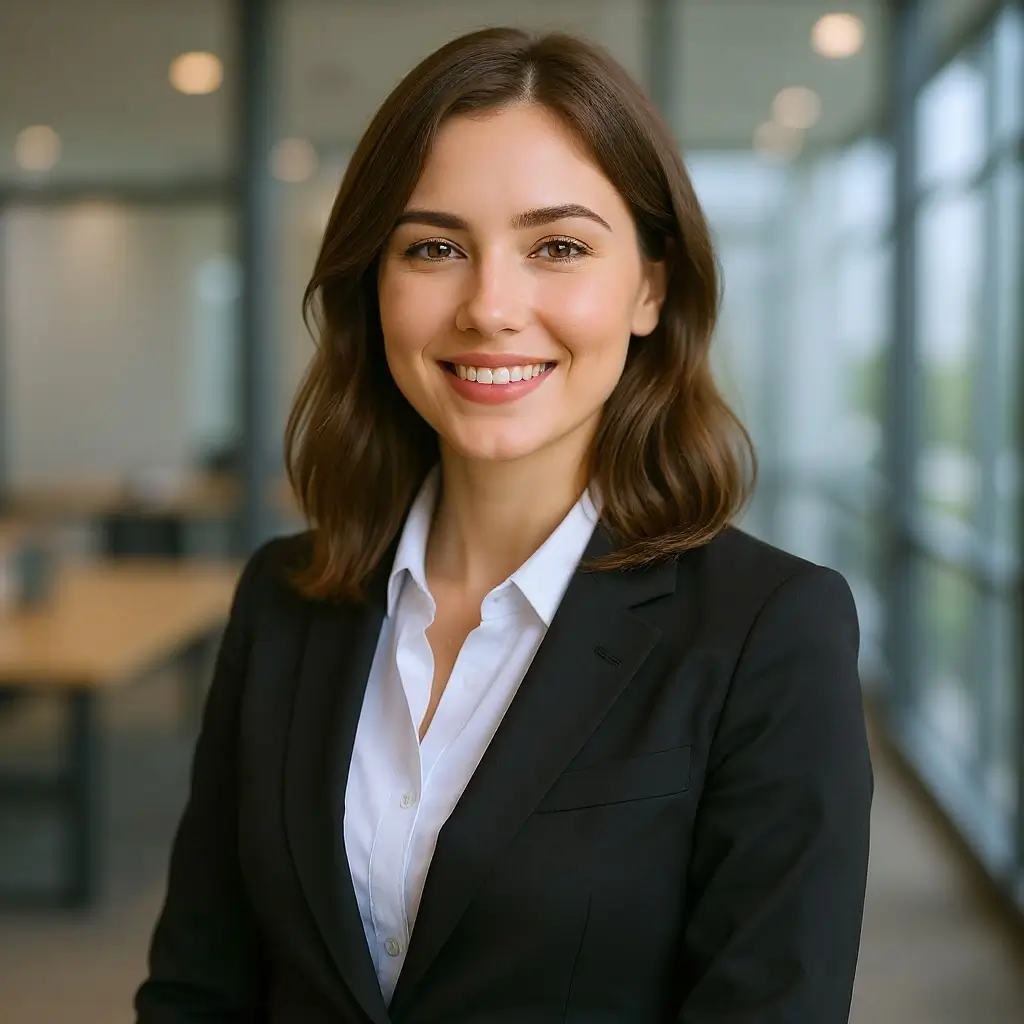
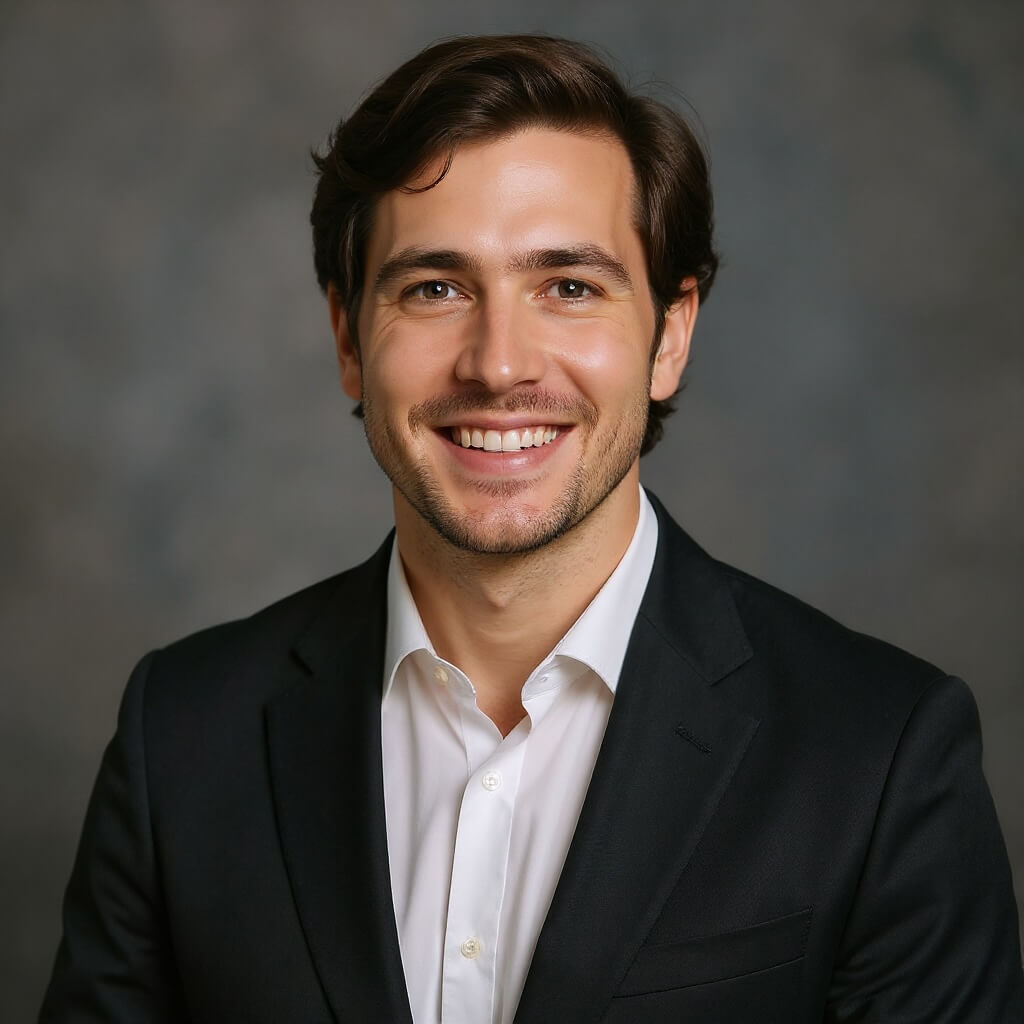
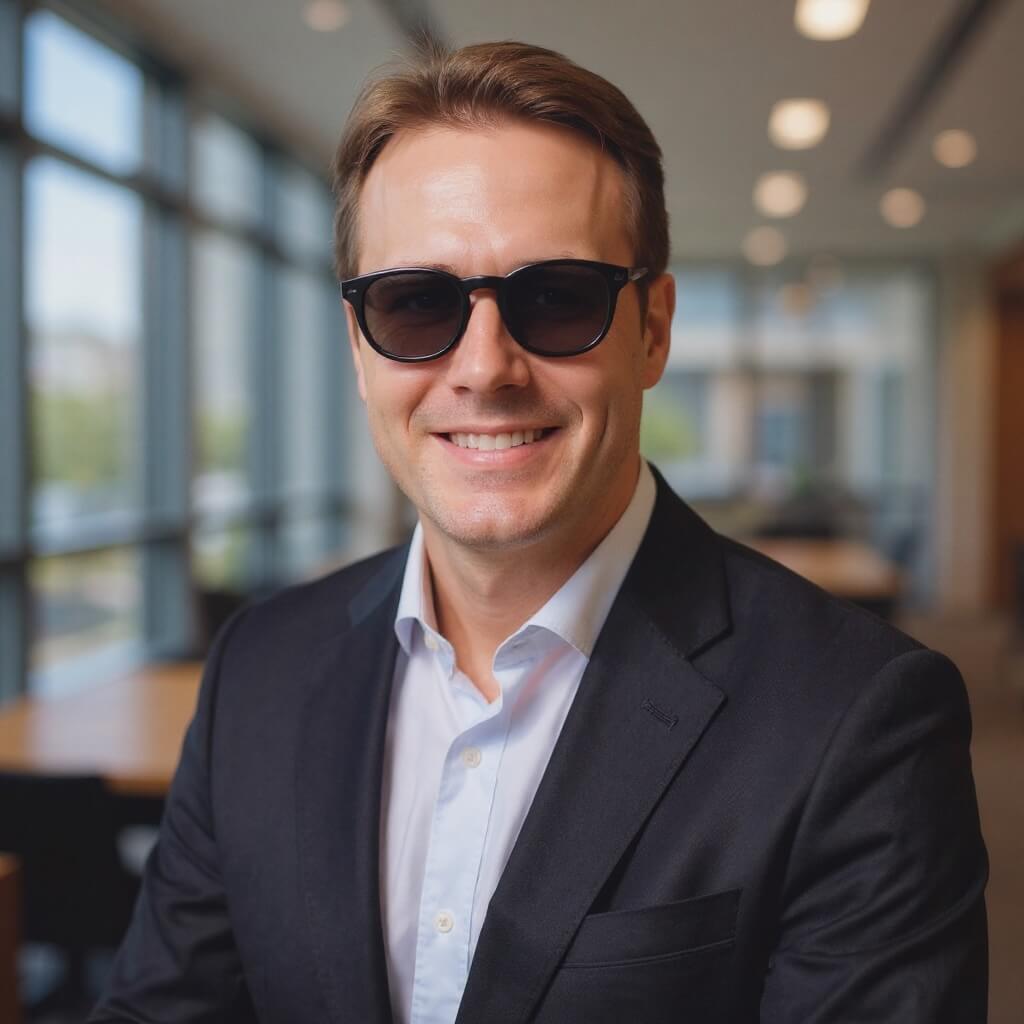
Examples
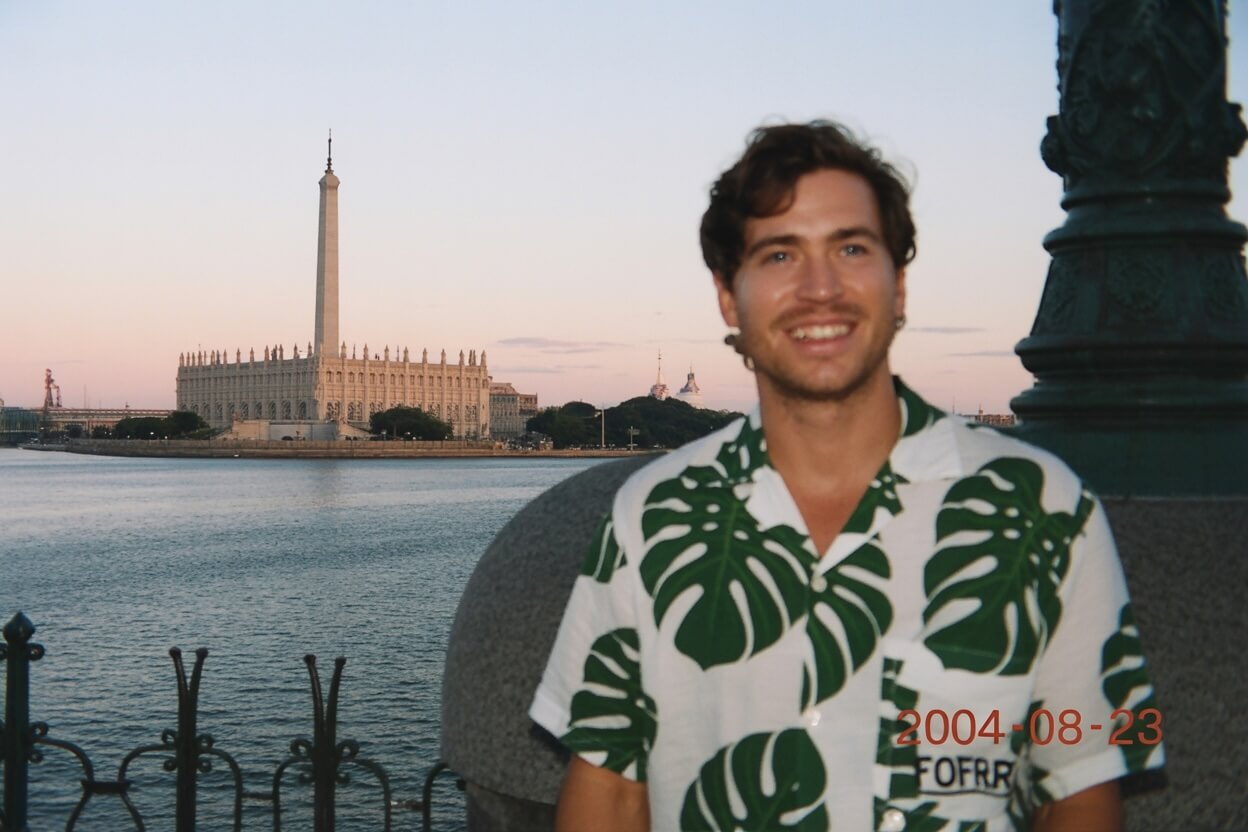
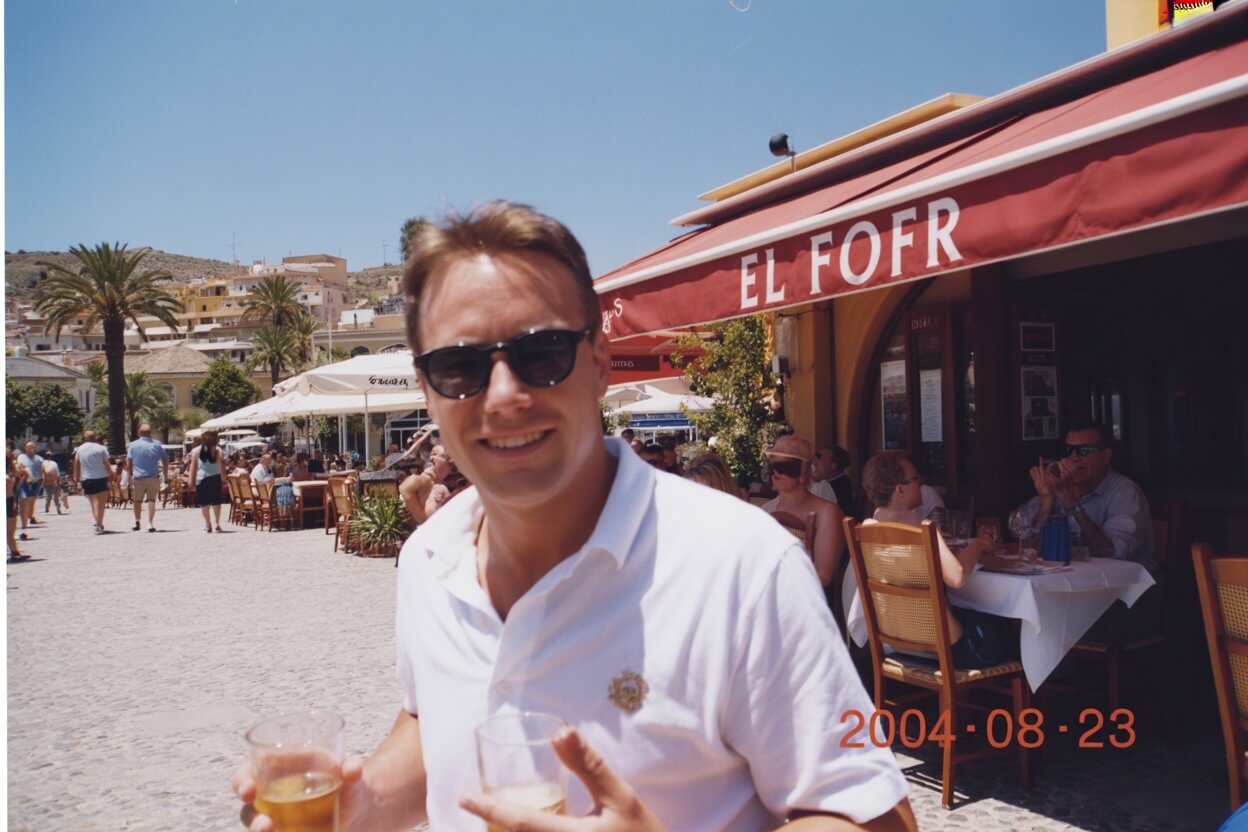
Drag the slider to compare before and after
Frequently asked questions
What kind of photos work best for headshot generation?
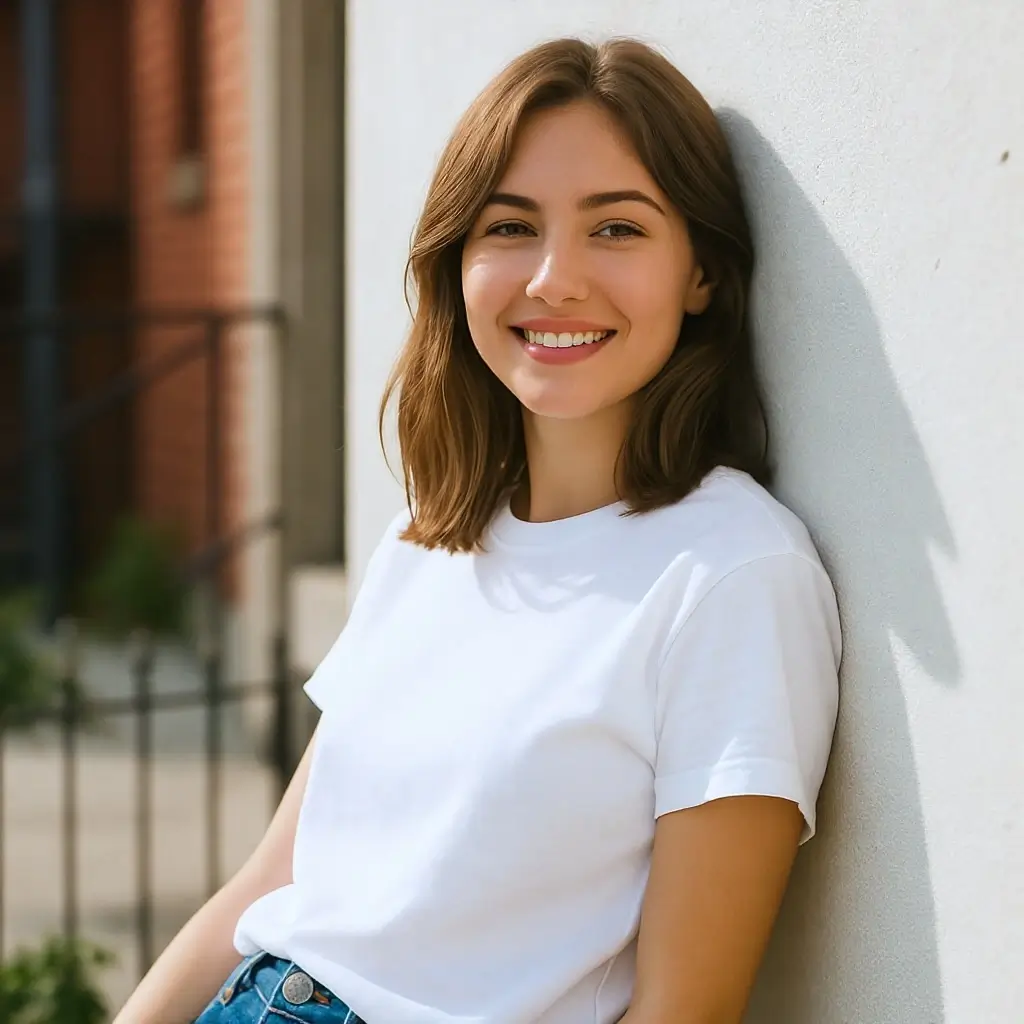
Photos with clear, front-facing views of your face work best. Good lighting, minimal obstructions, and a simple background help the AI create the best results. Selfies and casual photos can be transformed into professional headshots.
How does the AI improve my photo?
The AI applies professional studio-style lighting, creates a soft background blur, adjusts color grading for a polished look, and enhances overall image quality while keeping your natural features and expressions intact.
Can I use the headshot for LinkedIn and professional profiles?
Yes, the generated headshots are optimized for professional use including LinkedIn, company websites, resumes, email signatures, and business cards. The output quality is suitable for both digital and print applications.
Will my headshot look natural or over-edited?
We prioritize natural-looking results. The AI preserves your authentic facial features, skin texture, and expressions. The enhancement is subtle and professional, avoiding the artificial look of heavy photo editing.
What image formats are supported?
We support PNG, JPG, JPEG, and WebP formats. Maximum file size is 10MB. For best results, upload a high-resolution photo with your face clearly visible.
How long does it take to generate a headshot?
Most headshots are generated within 10-30 seconds. The AI processes your photo quickly while maintaining high quality output suitable for professional use.