Fix scratches, enhance details, and colorize naturally
Restore Old Photo
Fix scratches, enhance details, and colorize naturally
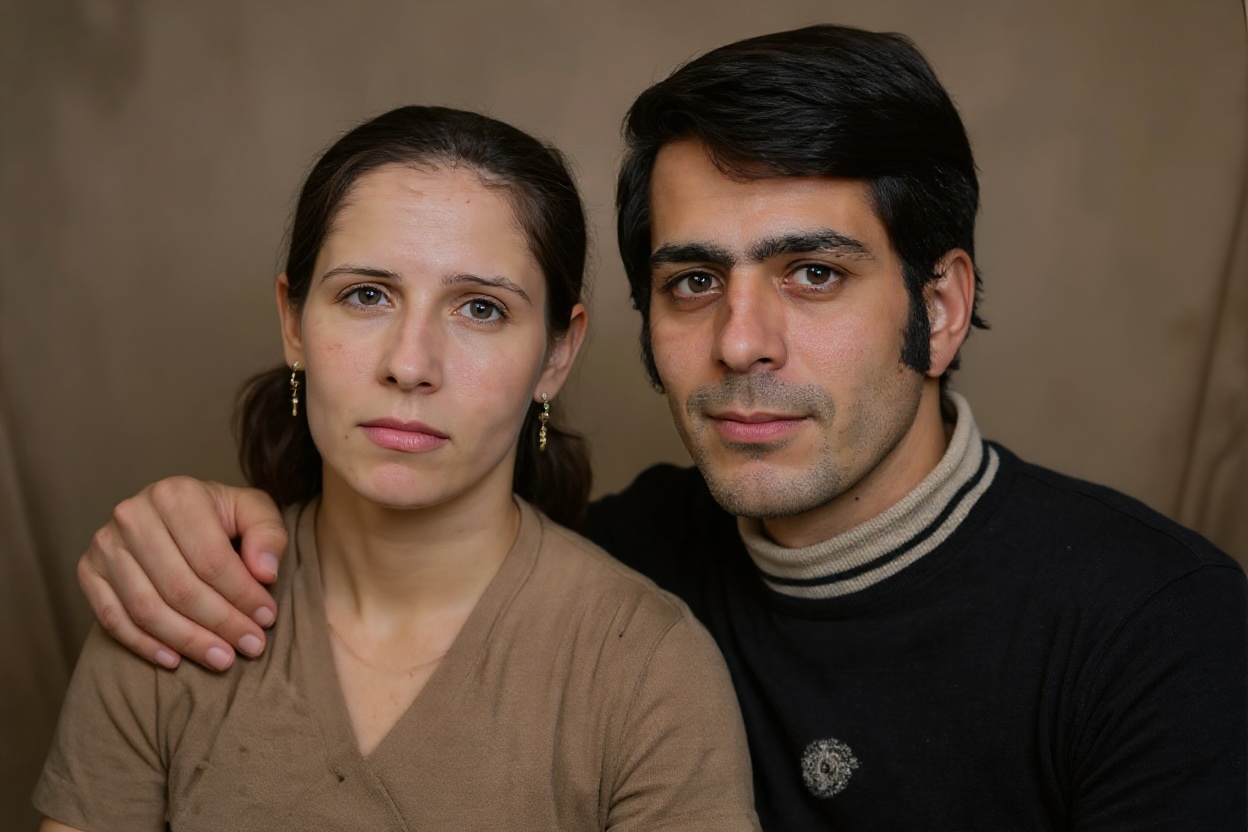
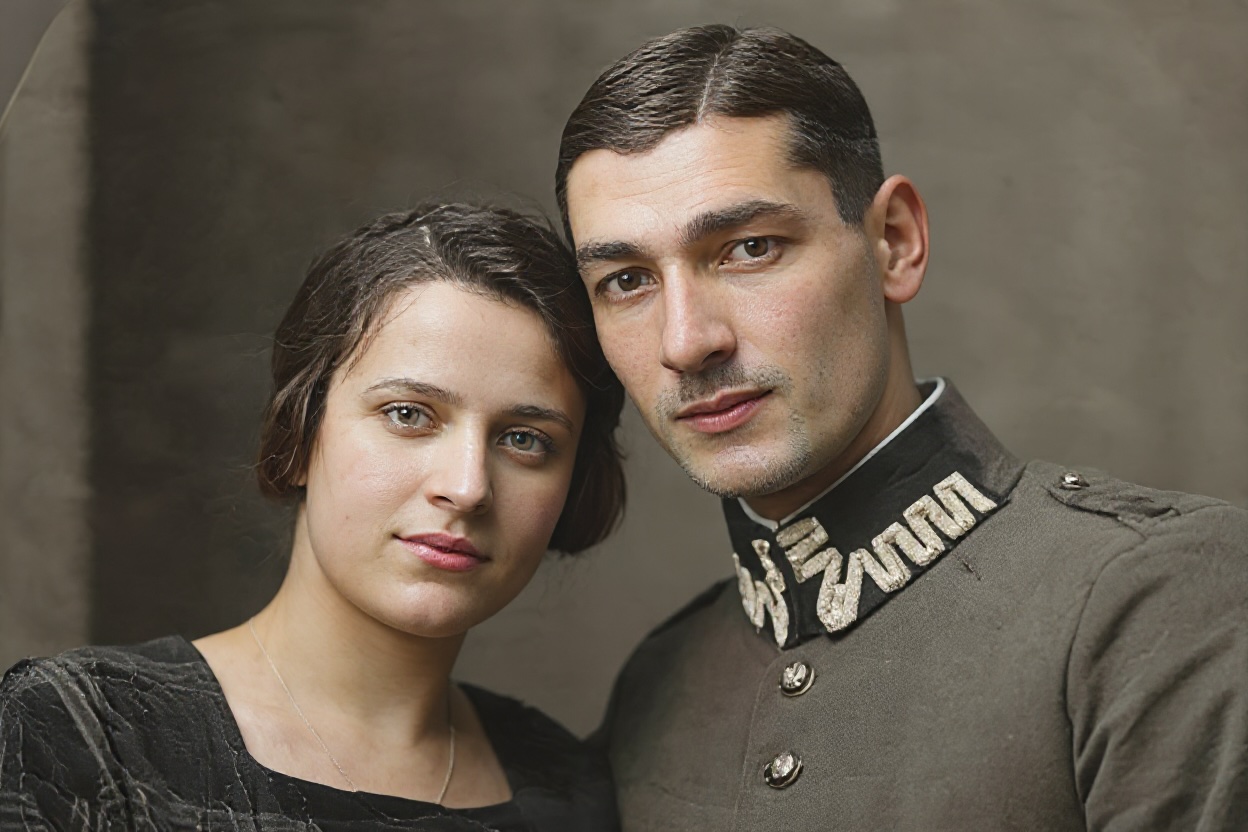
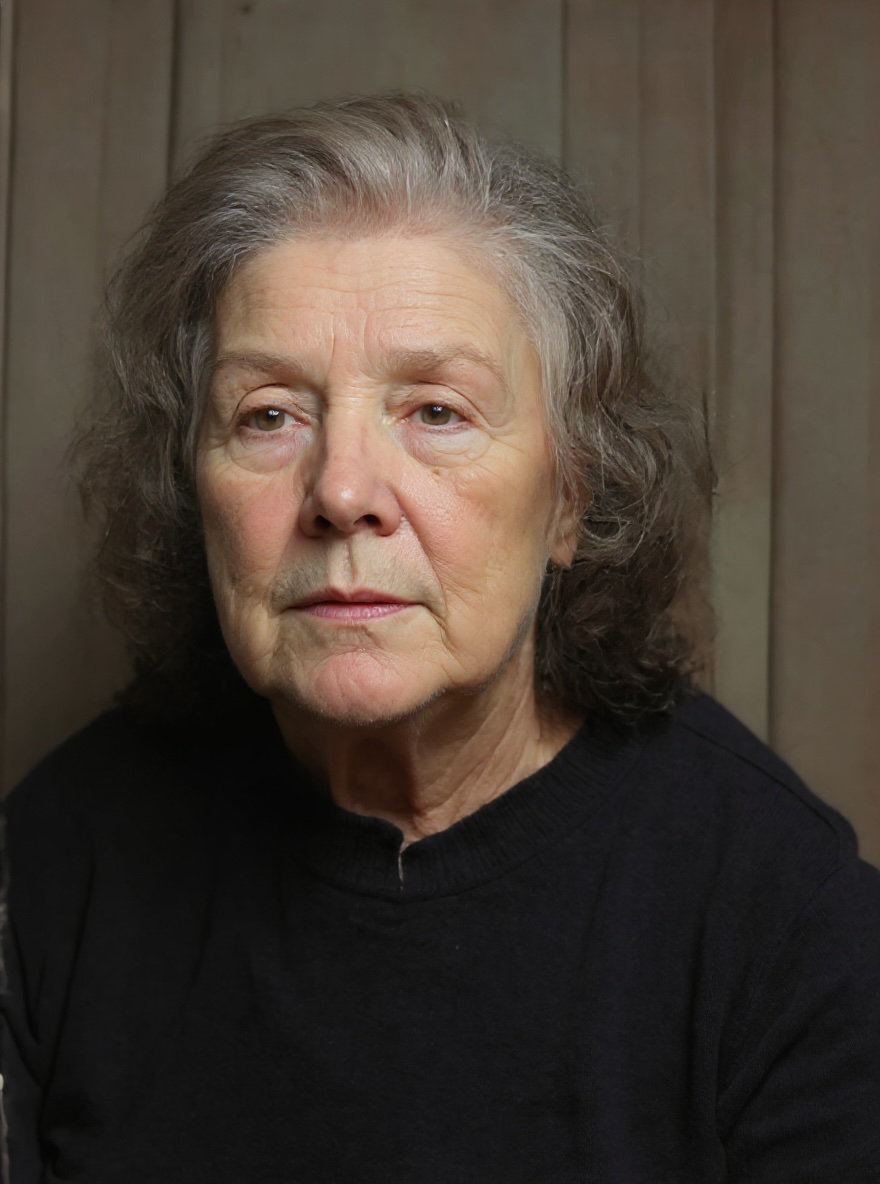
Examples
Drag the slider to compare before and after
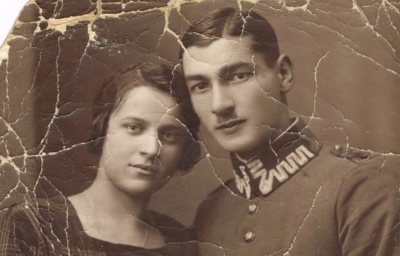
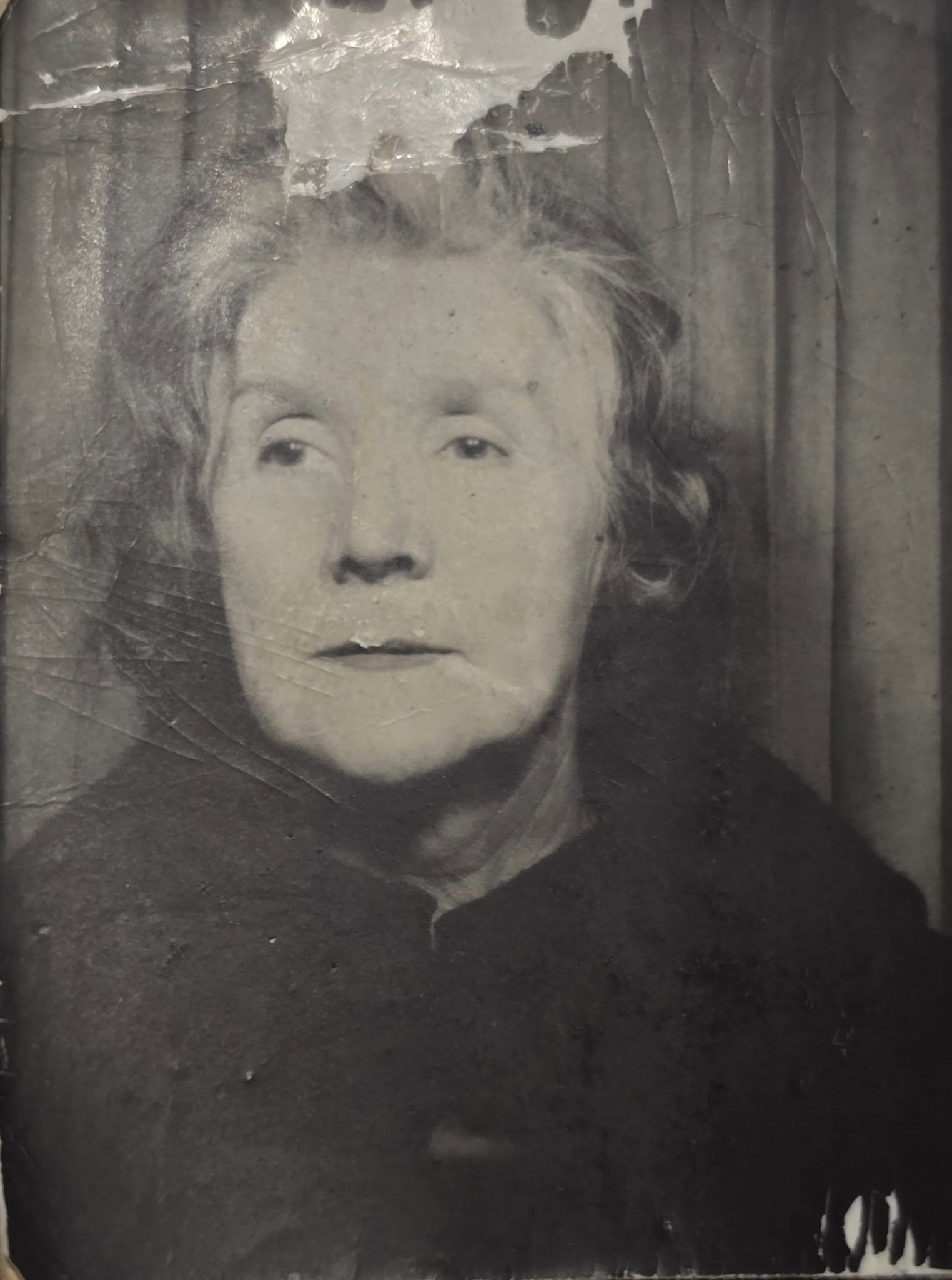
Frequently asked questions
What types of damage can the AI restore?
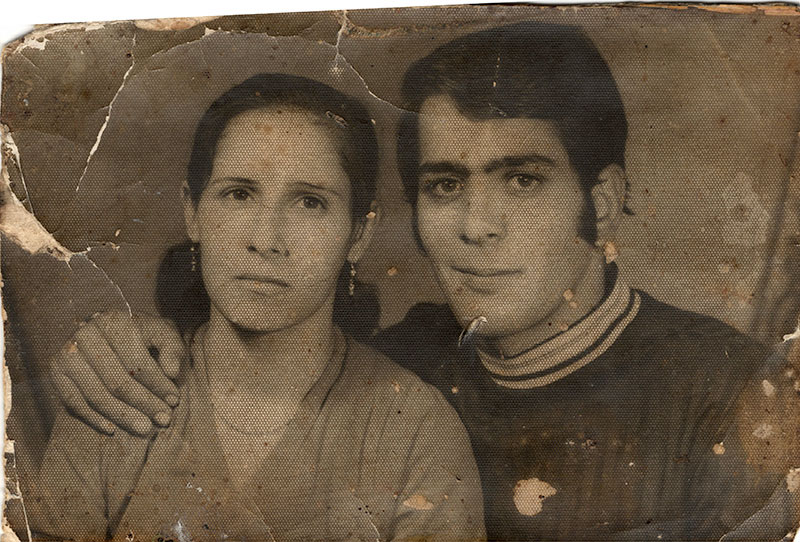
Our AI can repair scratches, dust, stains, tears, folds, and film grain noise. It also fixes faded colors, improves sharpness and contrast, and restores missing details while preserving the authentic texture of vintage photos.
Will the AI colorize my black-and-white photos?
Yes, if you upload a black-and-white photo, the AI will automatically apply realistic, historically plausible colors. Skin tones, clothing, and backgrounds are colorized naturally based on the era and context of the photograph.
How long does photo restoration take?
Most photo restorations complete within 10-30 seconds. Complex images with heavy damage may take slightly longer. You'll see a progress indicator while the AI works on your photo.
Will the restored photo look artificial or over-processed?
No. Our AI is trained to preserve authentic texture and avoid over-smoothing. The result looks like a professionally retouched photo, not a digital painting. Original facial features, expressions, and composition are carefully preserved.
What image formats and sizes are supported?
We support PNG, JPG, JPEG, and WebP formats. Maximum file size is 10MB. For best results, upload the highest resolution scan available. The AI handles images up to 6000×6000 pixels.
Can I use this for old family photos or historical images?
Absolutely! This tool is perfect for restoring treasured family photographs, historical documents, vintage portraits, and antique images. Many users restore photos from the 1800s through the 1990s with excellent results.