Switch to natural blue eyes in seconds while keeping your face and style unchanged
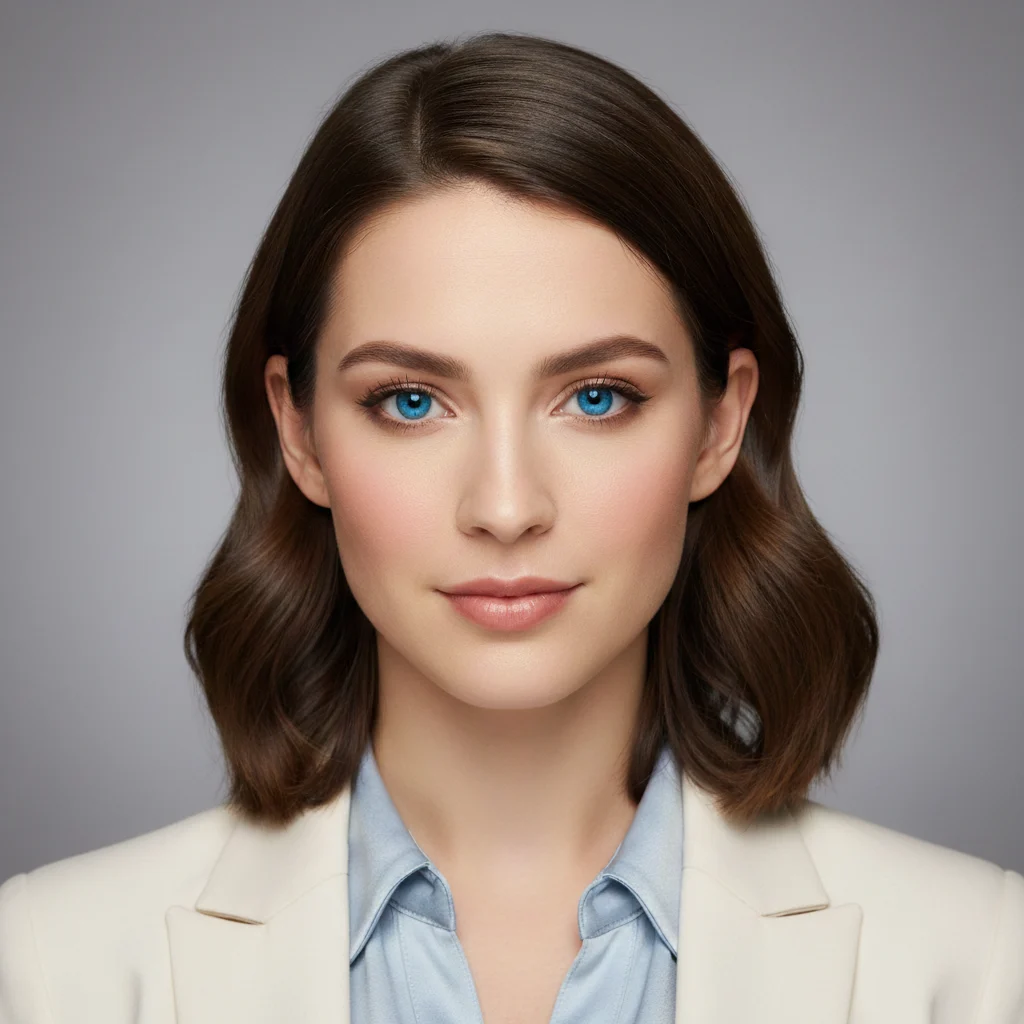
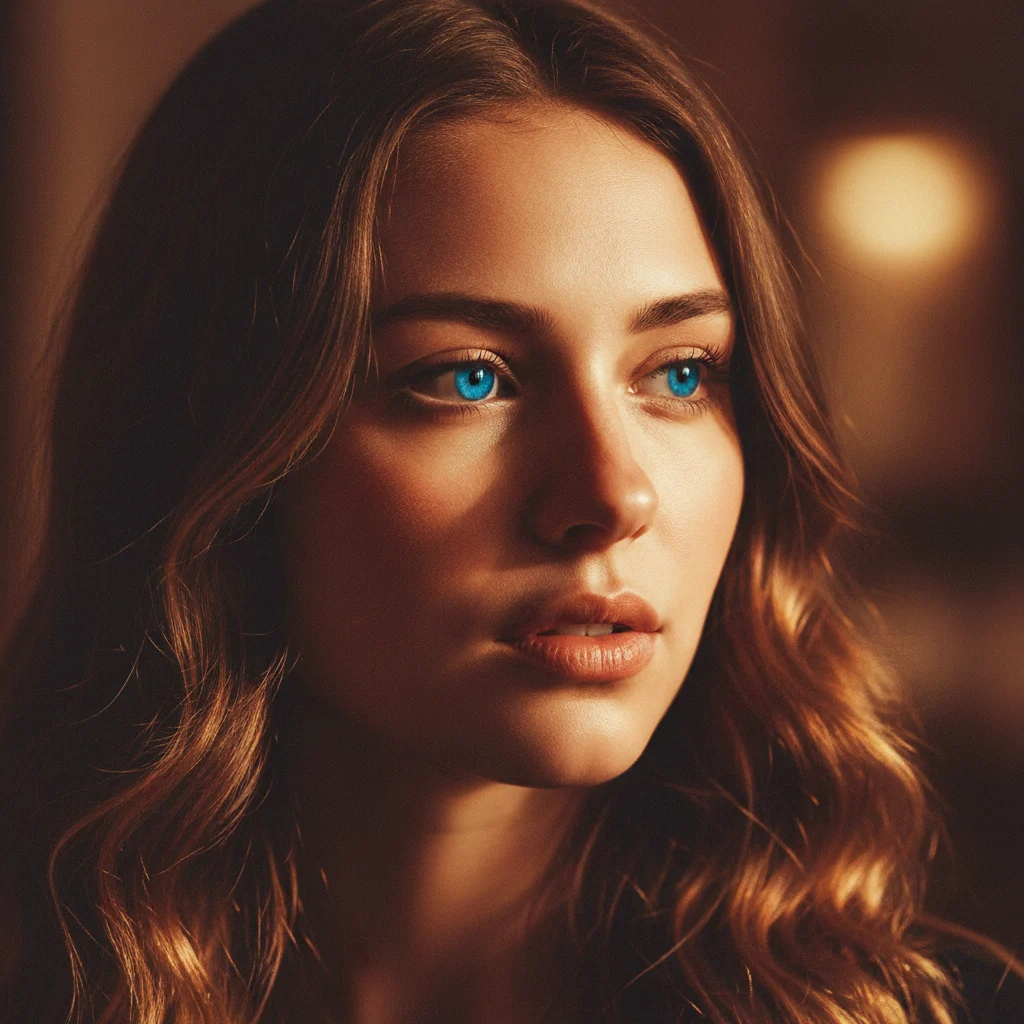
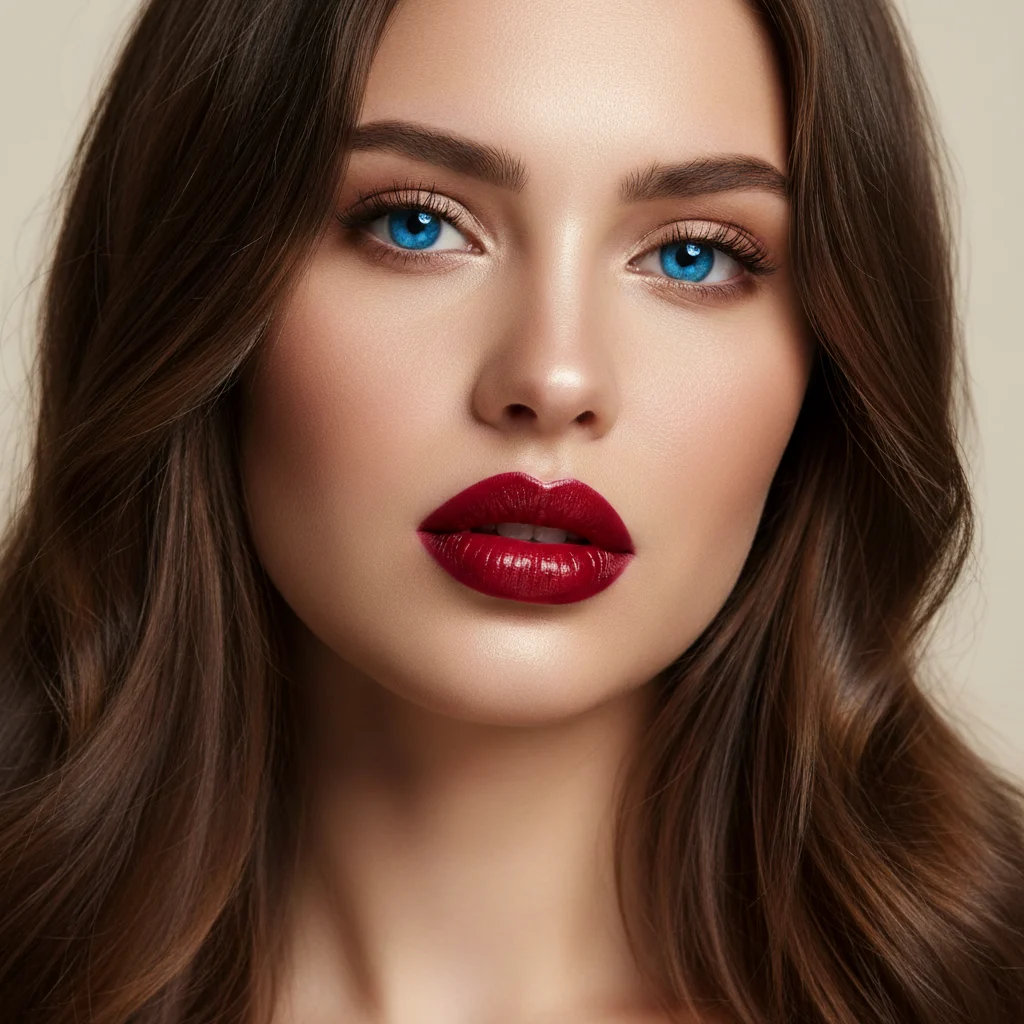
Blue Eye Filter
Switch to natural blue eyes in seconds while keeping your face and style unchanged
Examples
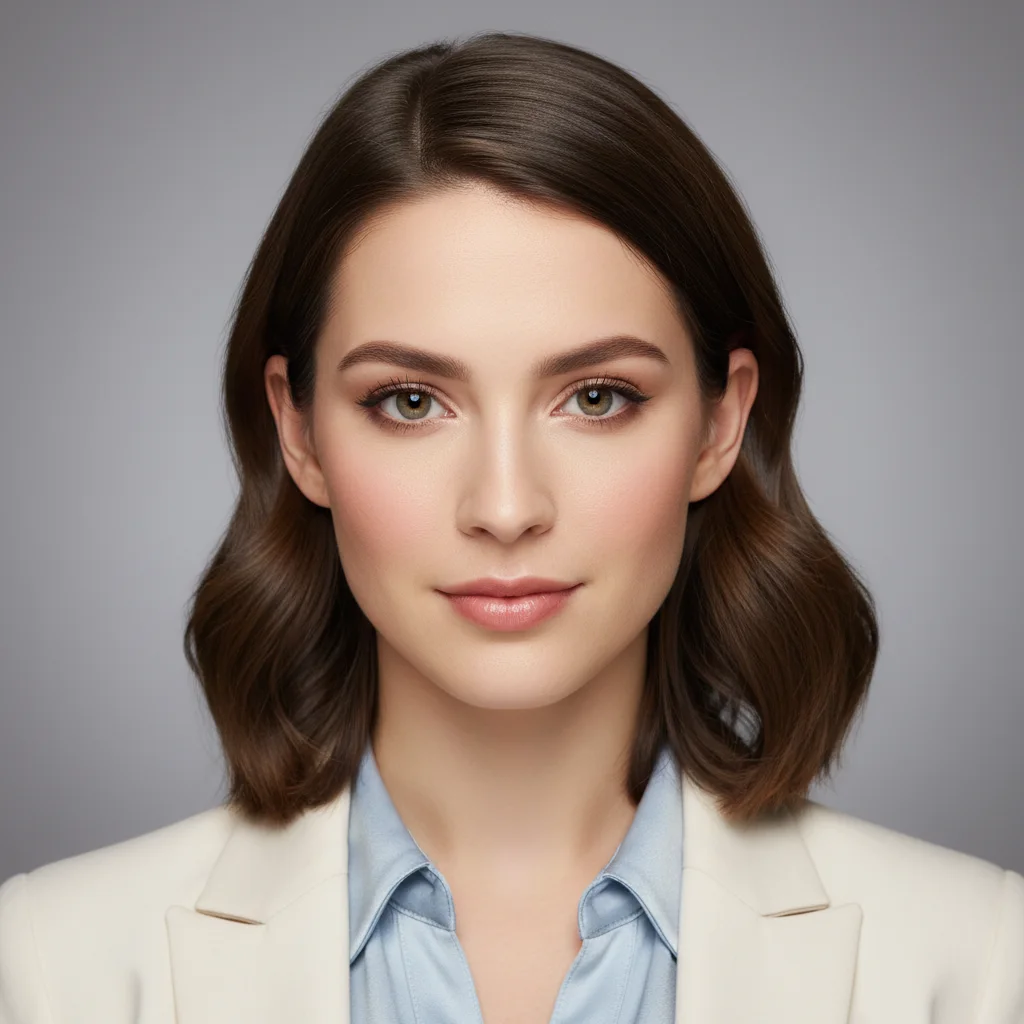
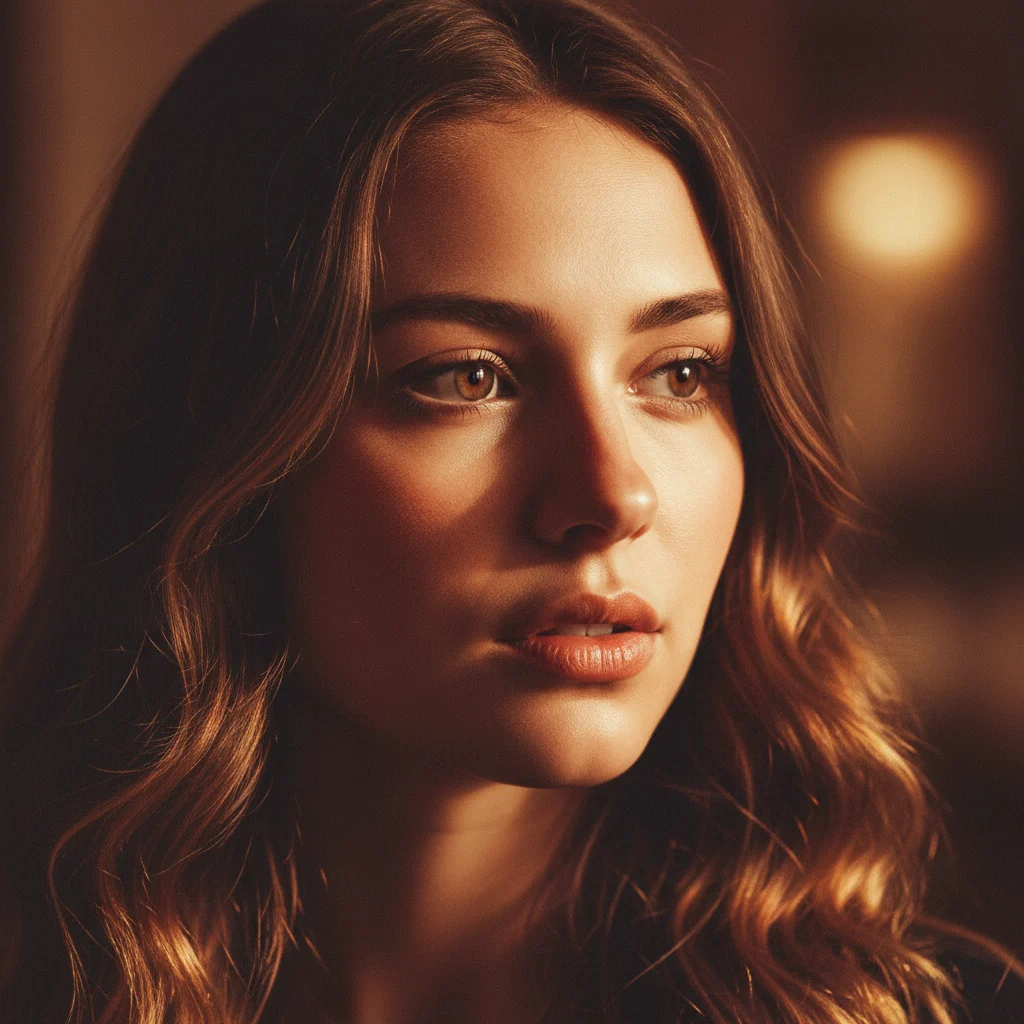
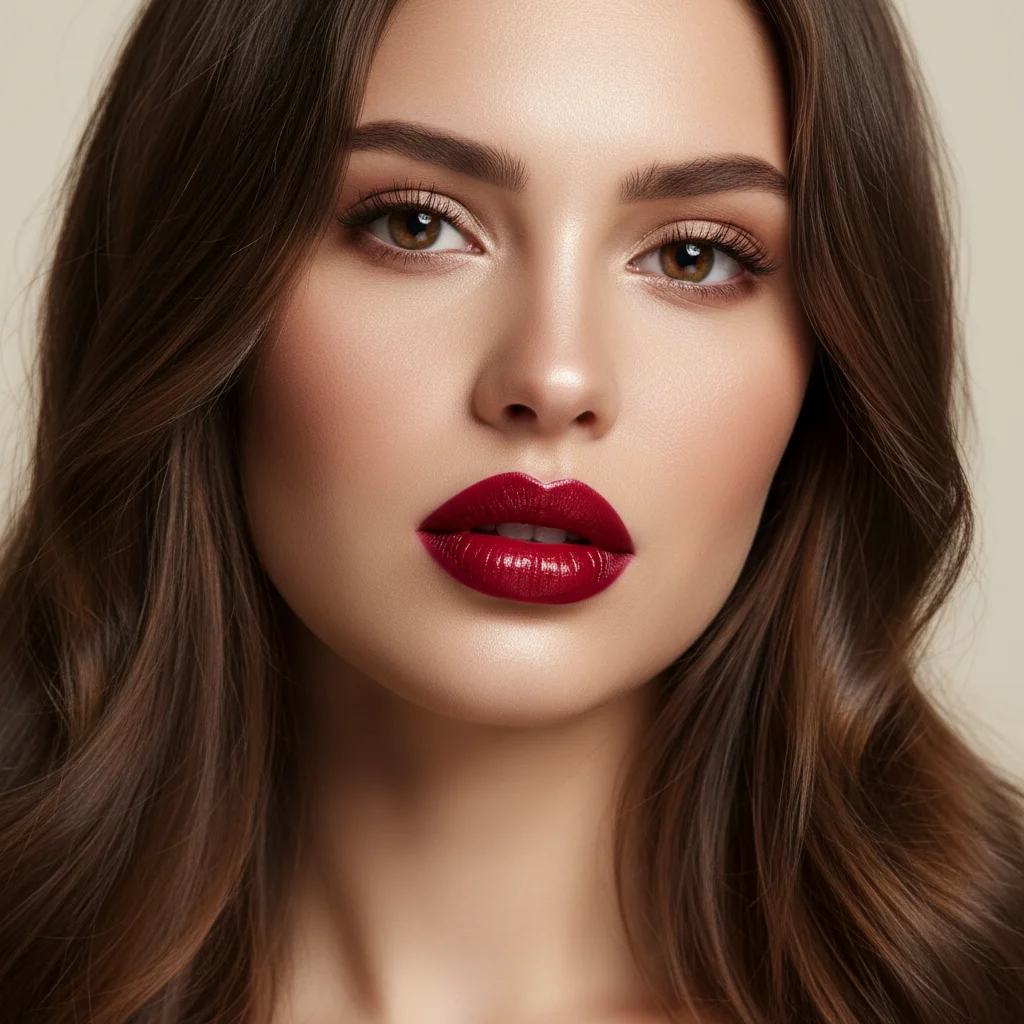
Drag the slider to compare before and after
Frequently asked questions
What does this blue eye filter change?
It changes only the iris color to realistic blue tones. Your identity, skin texture, makeup, face shape, hair, and background stay the same.
Will the result still look natural?
Yes. The effect is designed to keep natural eye details such as pupil shape, eye reflections, and original lighting, so the result looks like a real photo edit.
Does it work on dark brown eyes?
Yes. The AI can transform dark brown irises into natural-looking blue shades while preserving depth and realistic contrast.
What kind of photo gives the best result?
Use a clear portrait where both eyes are visible, with decent lighting and minimal blur. Front-facing or slightly angled photos usually work best.
Can I add extra instructions?
Yes. You can add optional prompt notes such as "ice blue" or "soft sapphire" to fine-tune the look while keeping the transformation realistic.
How long does it take?
Most generations finish in around 10-20 seconds, depending on traffic and image complexity.