Turn your hand-drawn sketches into photorealistic images with AI
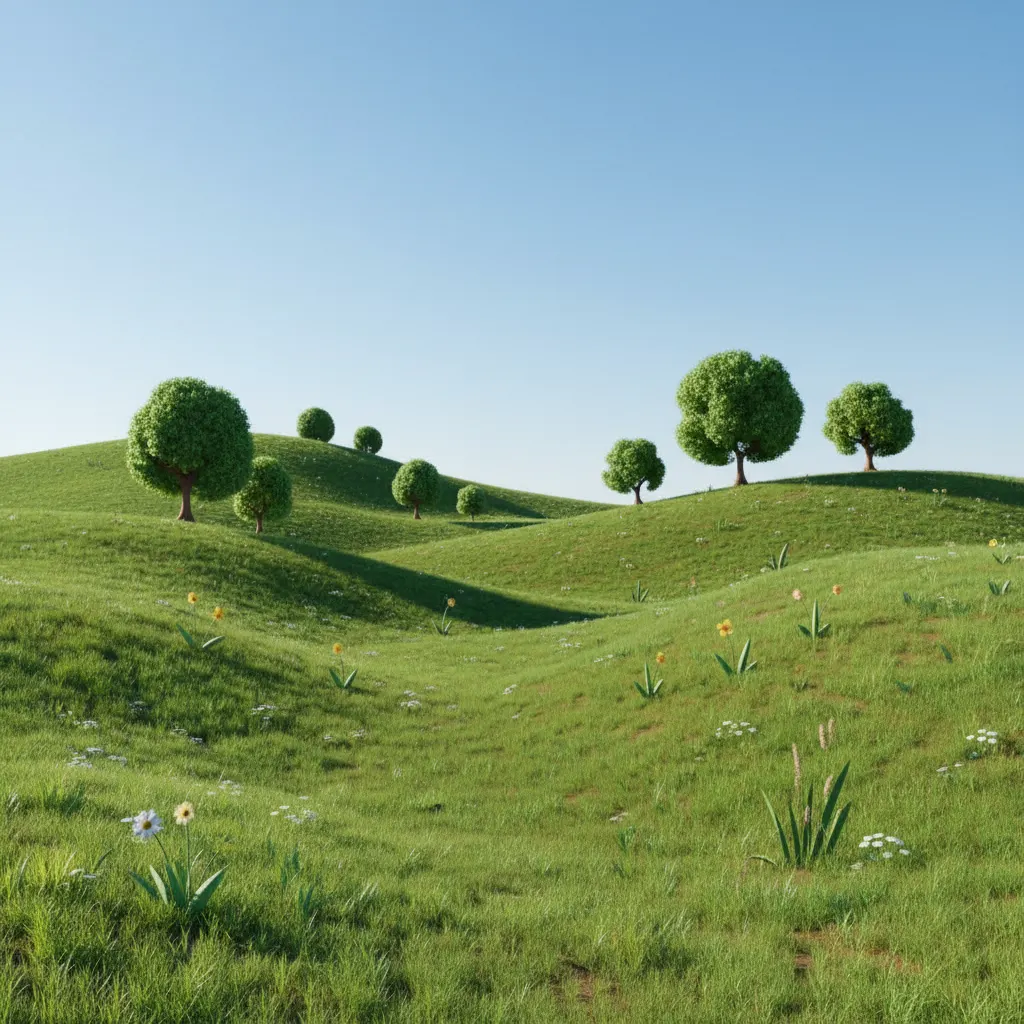
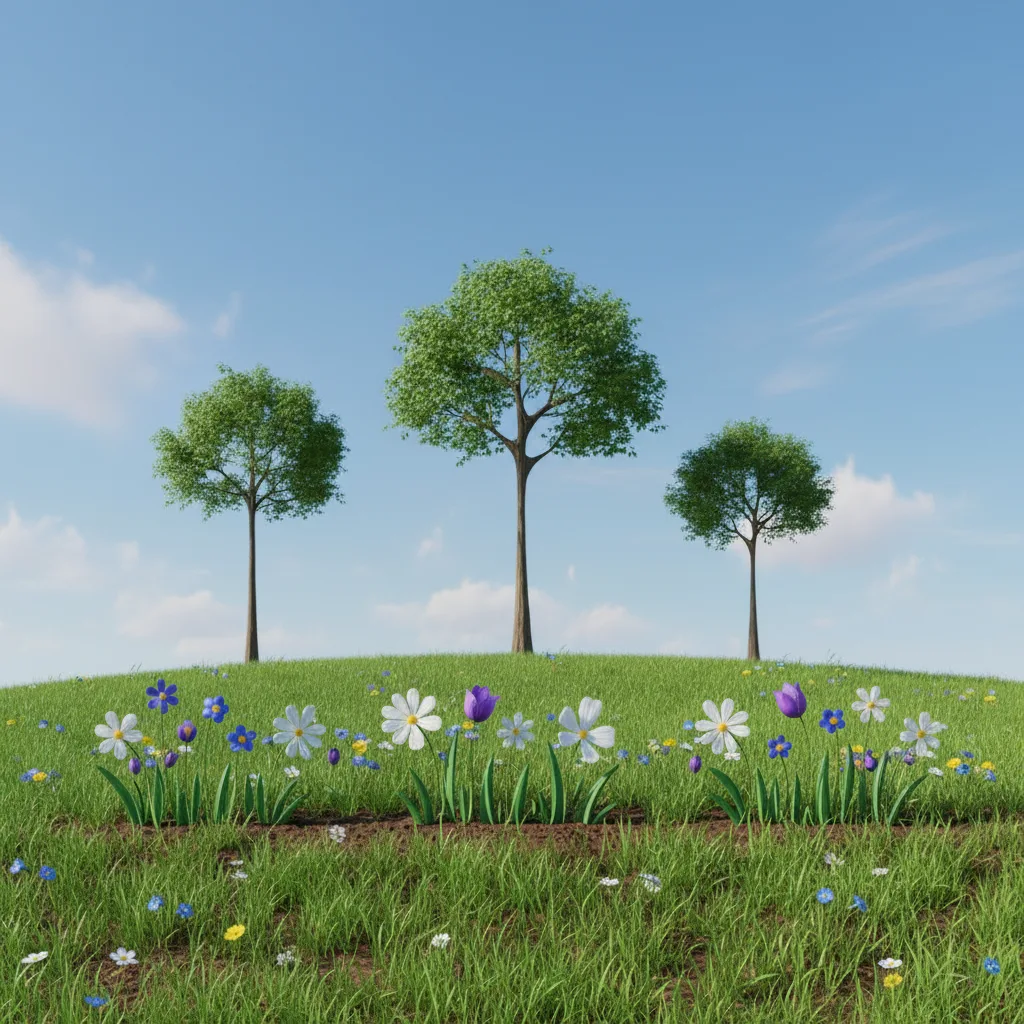
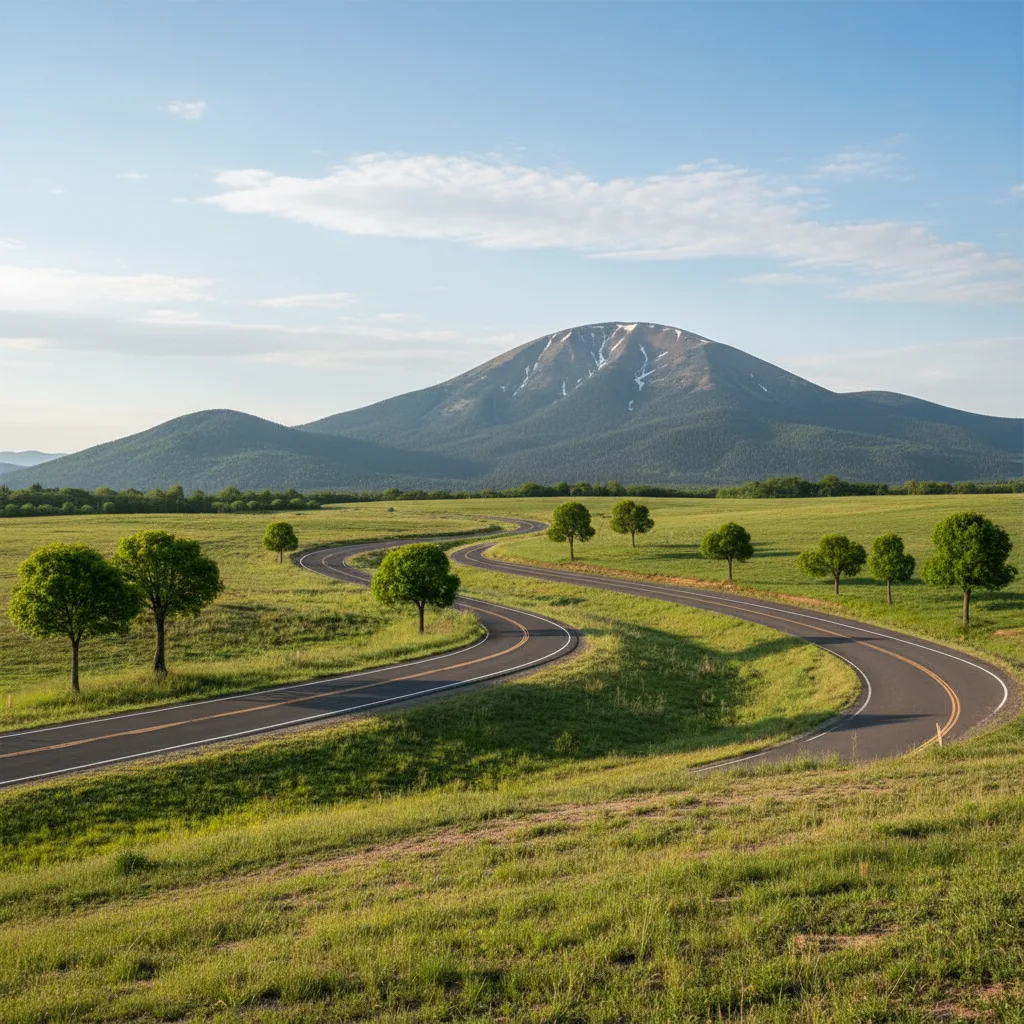
Sketch to Photo
Turn your hand-drawn sketches into photorealistic images with AI
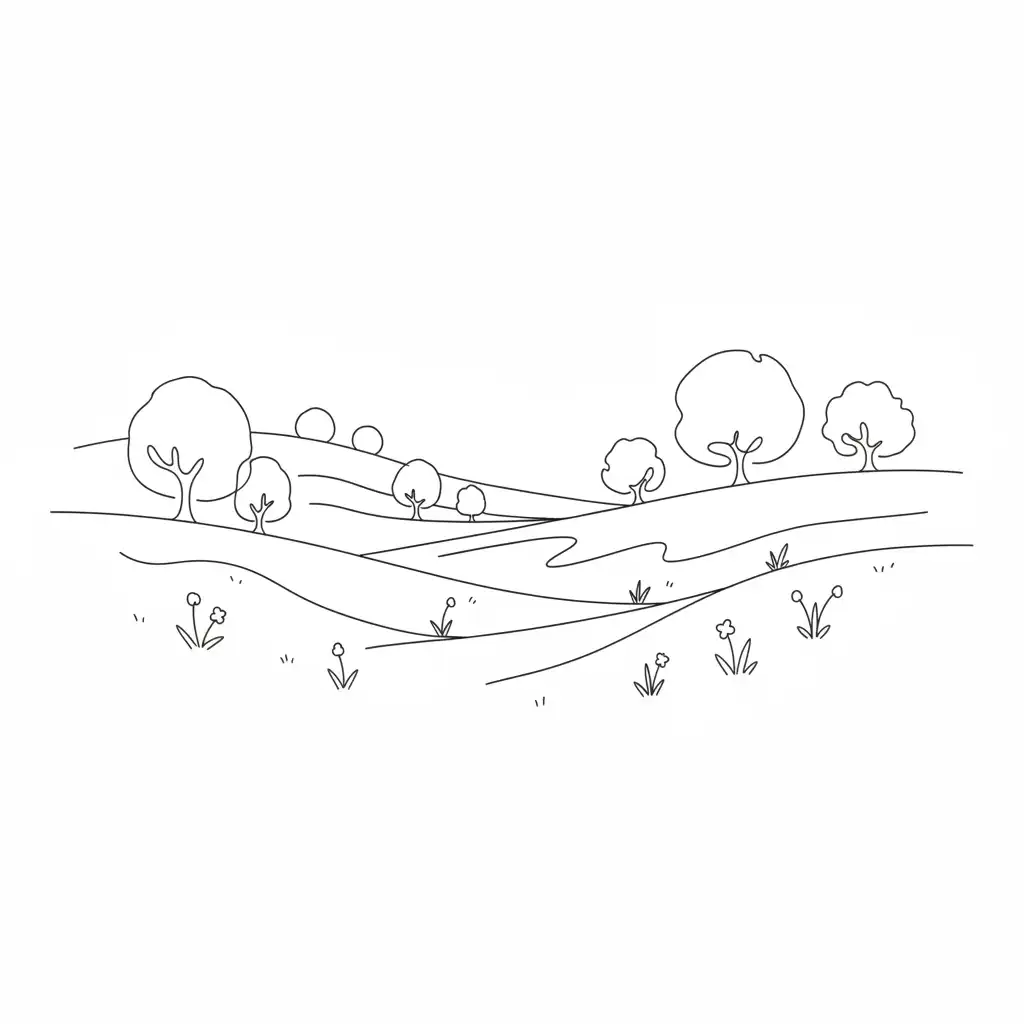
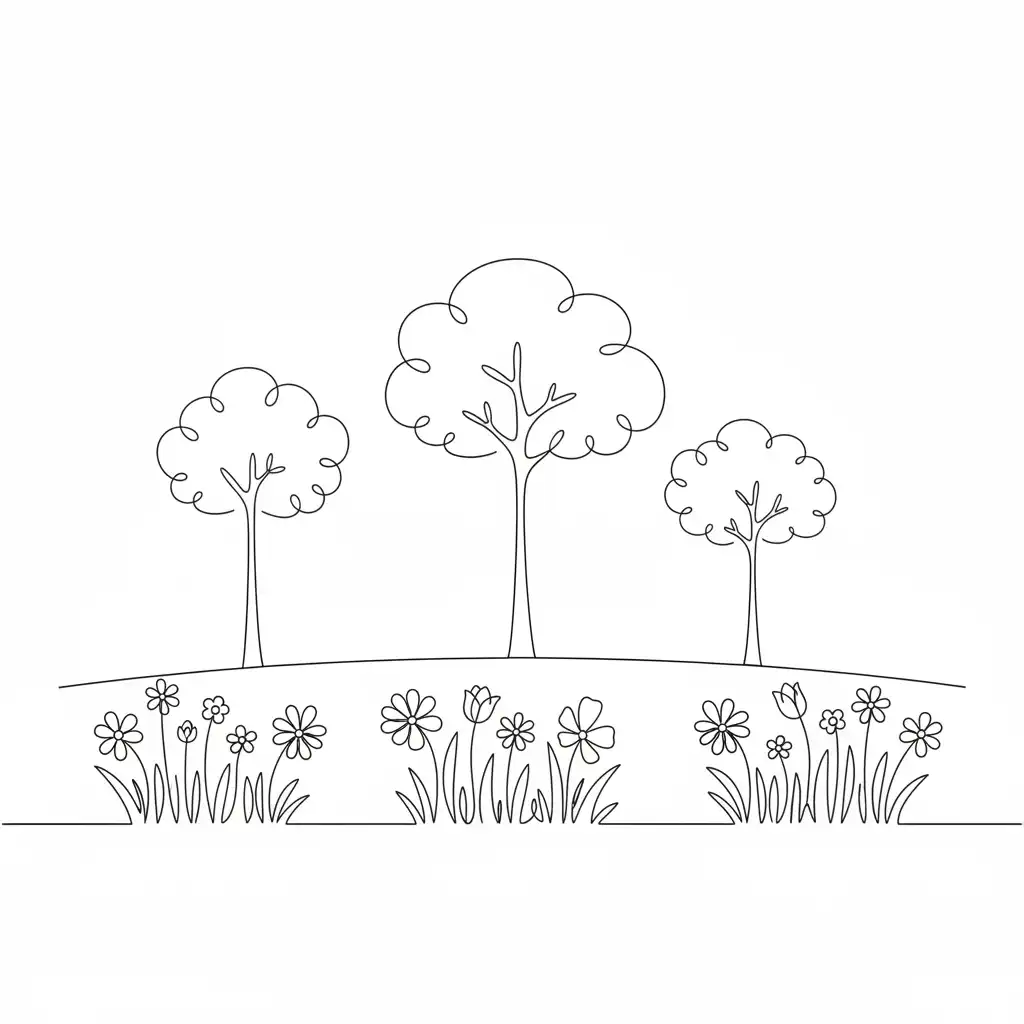
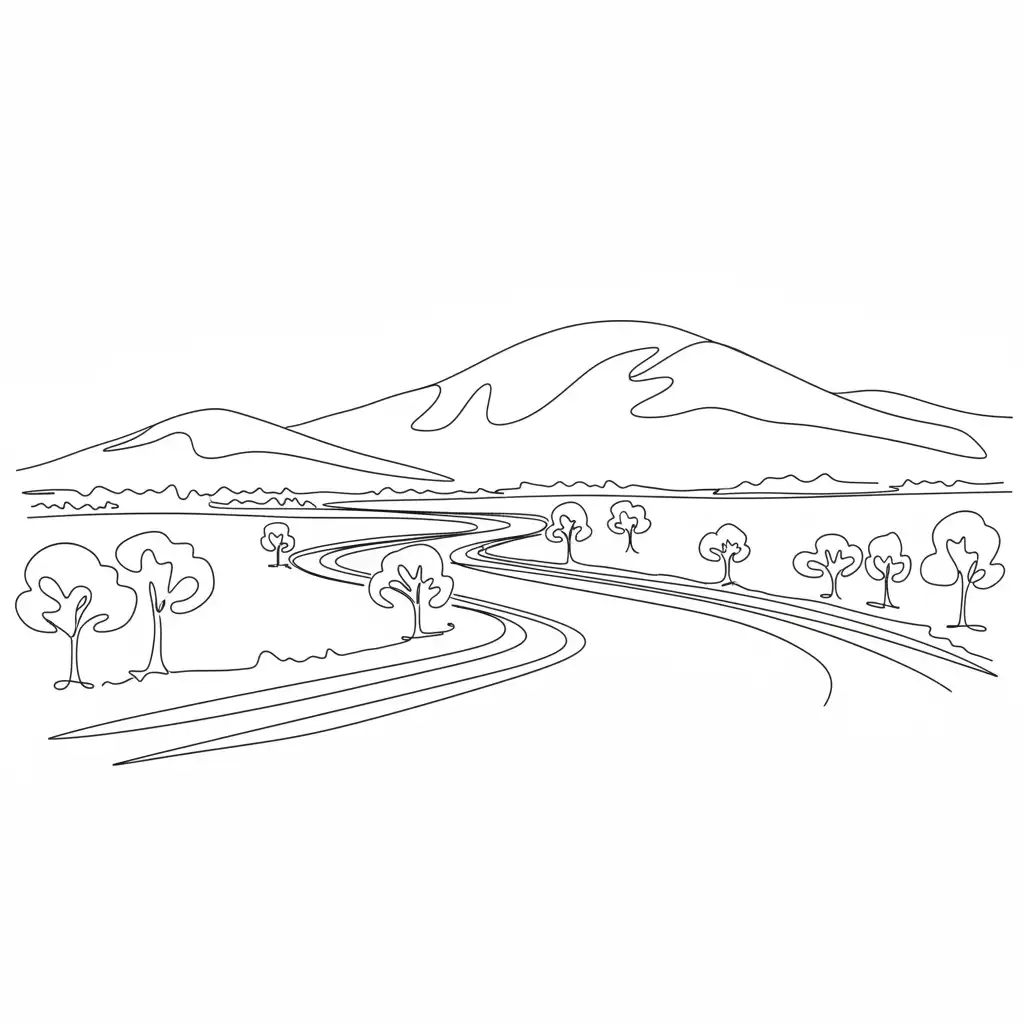
Examples
Drag the slider to compare before and after
Frequently asked questions
What types of sketches work best?
Pencil drawings, ink sketches, digital line art—basically anything with clear outlines. Product designs, architectural concepts, character illustrations, and simple doodles all work well. The clearer your lines, the better the AI understands what to create.
How realistic will my result be?
Very. The AI adds real-world textures, proper lighting, shadows, and materials based on what your sketch suggests. A sketch of a car becomes a photo-quality car. A building sketch turns into something that looks like an actual photo.
Will the AI change my design?
No. It preserves your exact layout, proportions, and composition. The AI only adds photorealism—materials, lighting, textures—without inventing new elements or altering your original concept.
What image formats can I upload?
PNG, JPG, JPEG, and WebP. Maximum file size is 10MB. For best results, make sure your sketch has good contrast between lines and background.
How long does conversion take?
Usually 10-30 seconds. Complex sketches with lots of detail might take a bit longer while the AI figures out all the textures and materials.
Is it free to use?
Yes, you get a free trial—no credit card needed. Just upload your sketch and try it out. After that, there are affordable credit packs if you want more.