Virtual Try-On
Upload a model photo and a garment image to try on clothes virtually
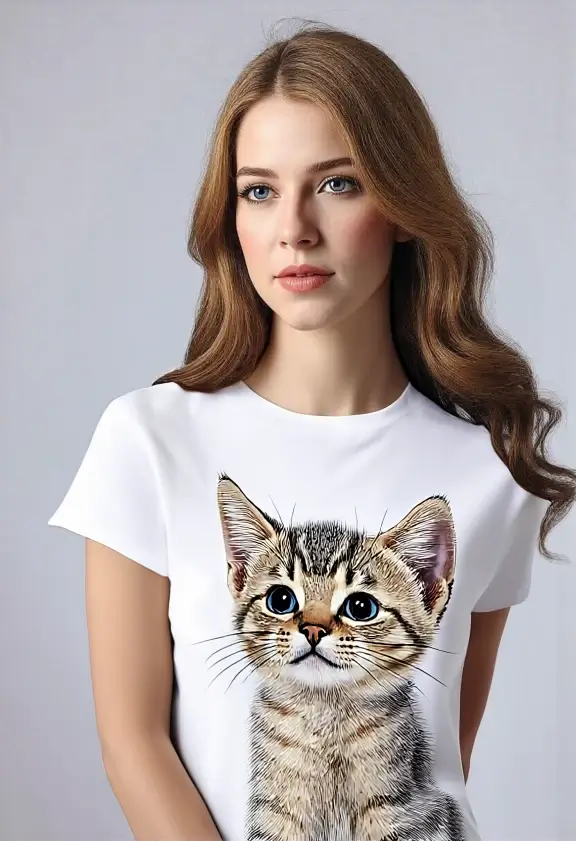
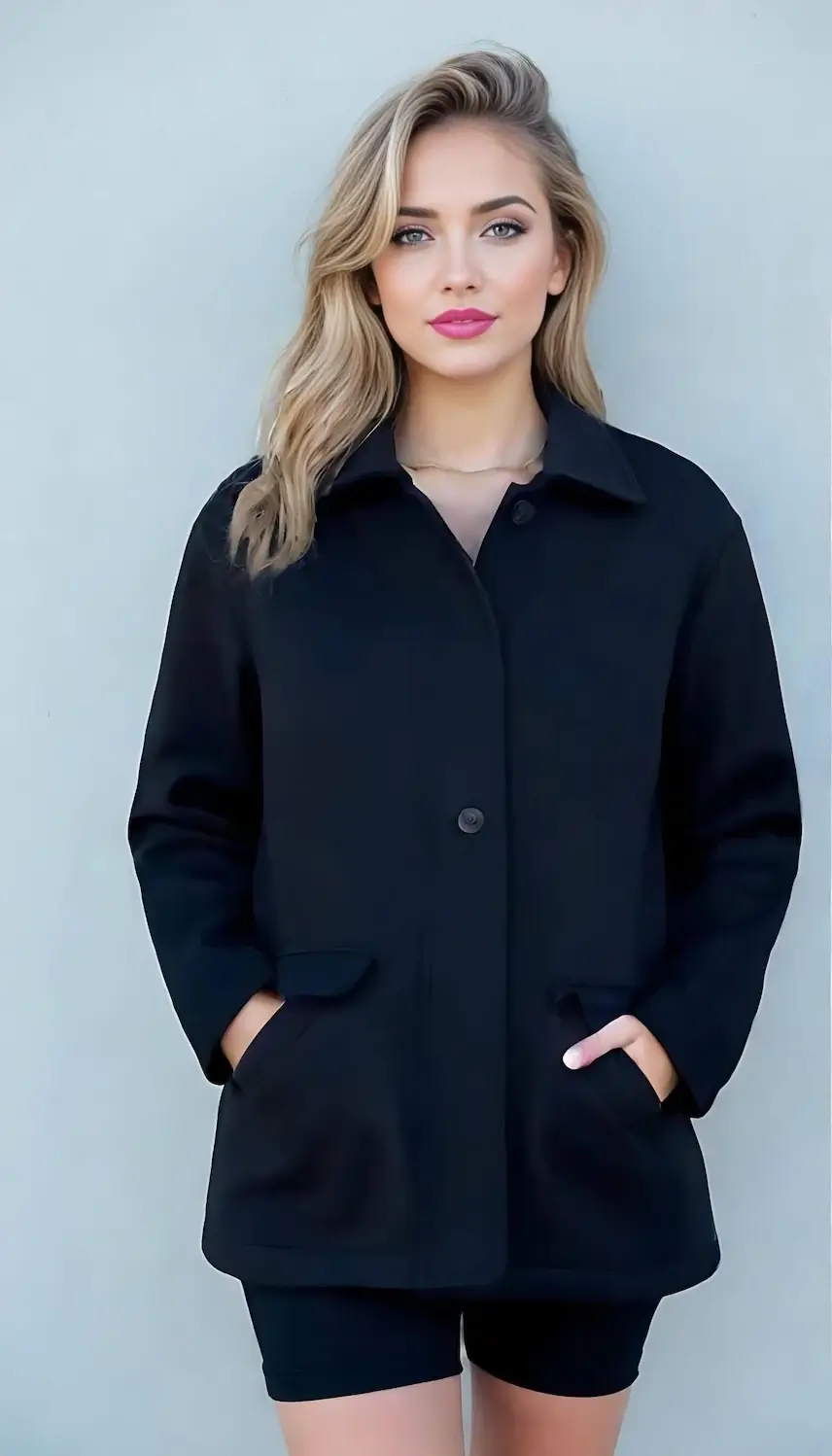
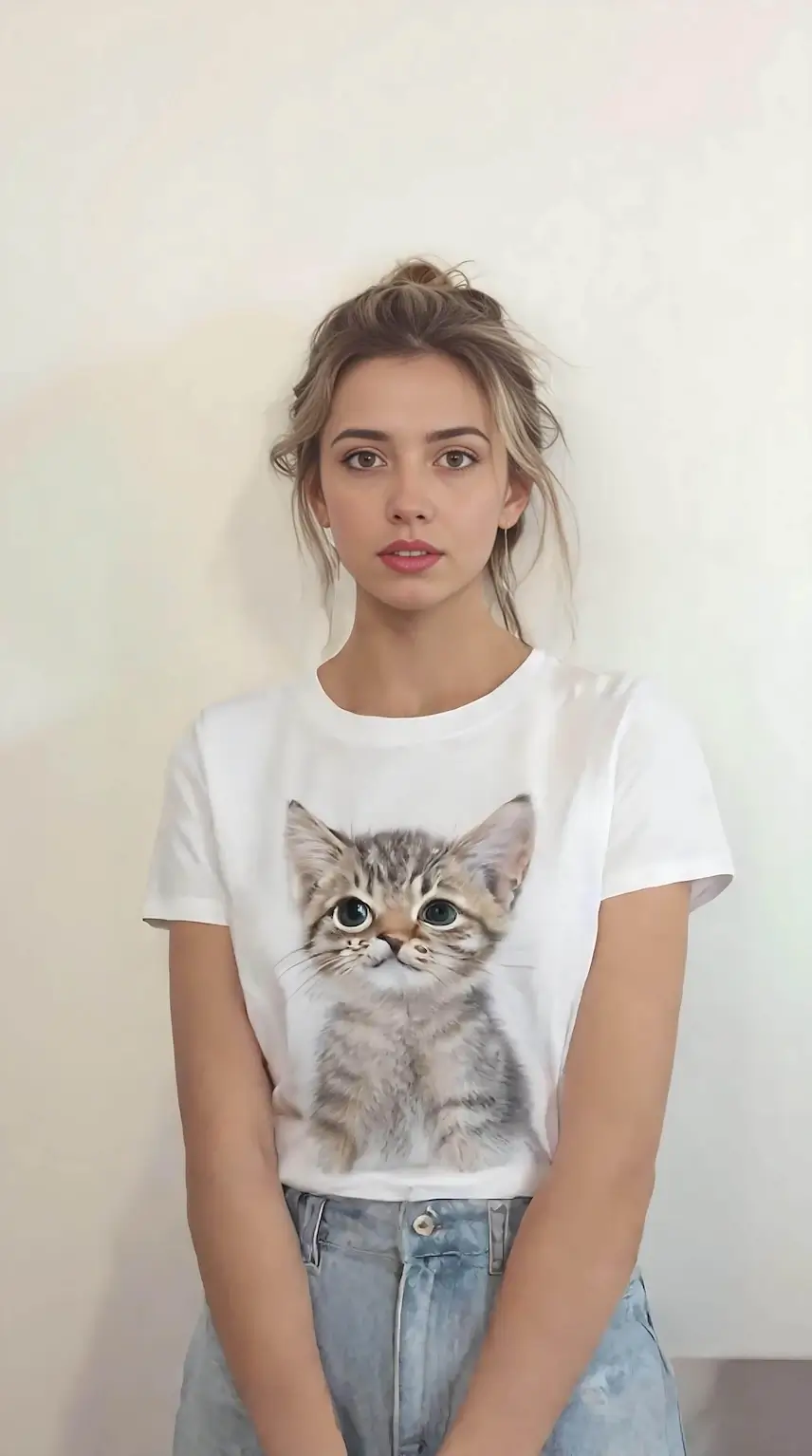
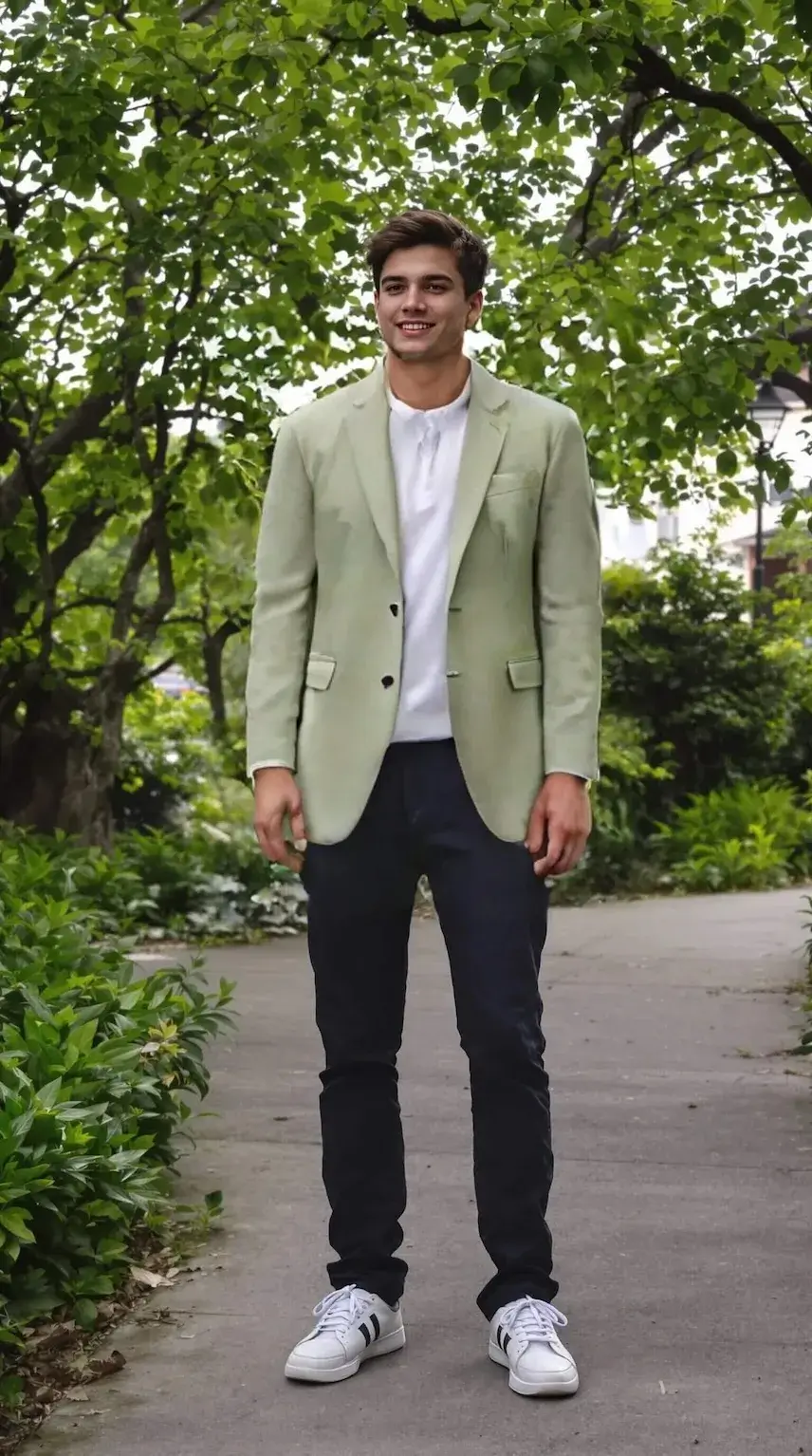
Your virtual try-on result will appear here
AI Virtual Try-On
Try on any clothing item virtually with AI. Upload your photo and a garment image to see how it looks on you in seconds
Try-On Examples
See what AI virtual try-on can do
Clothing Item
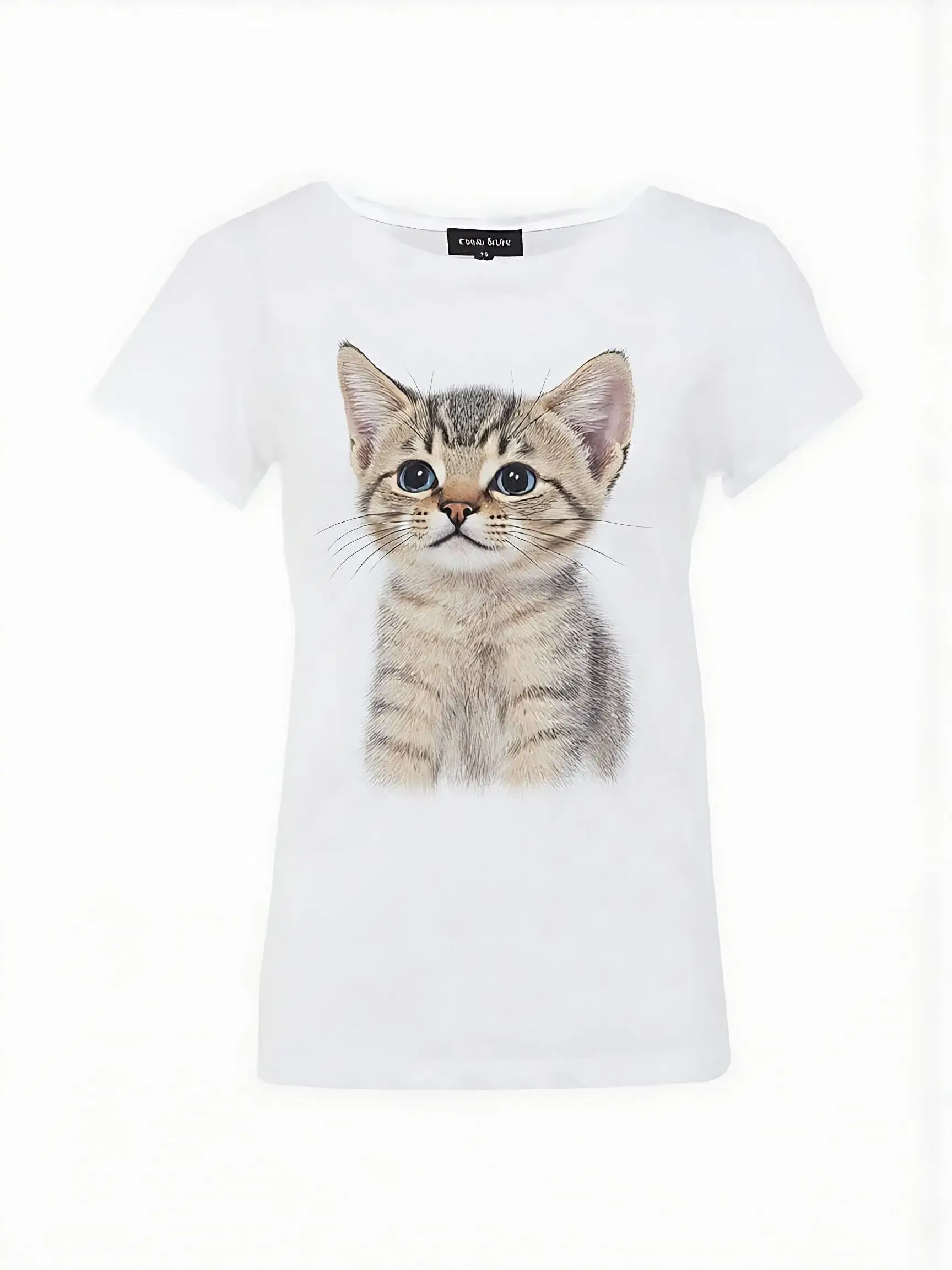
Model Photo
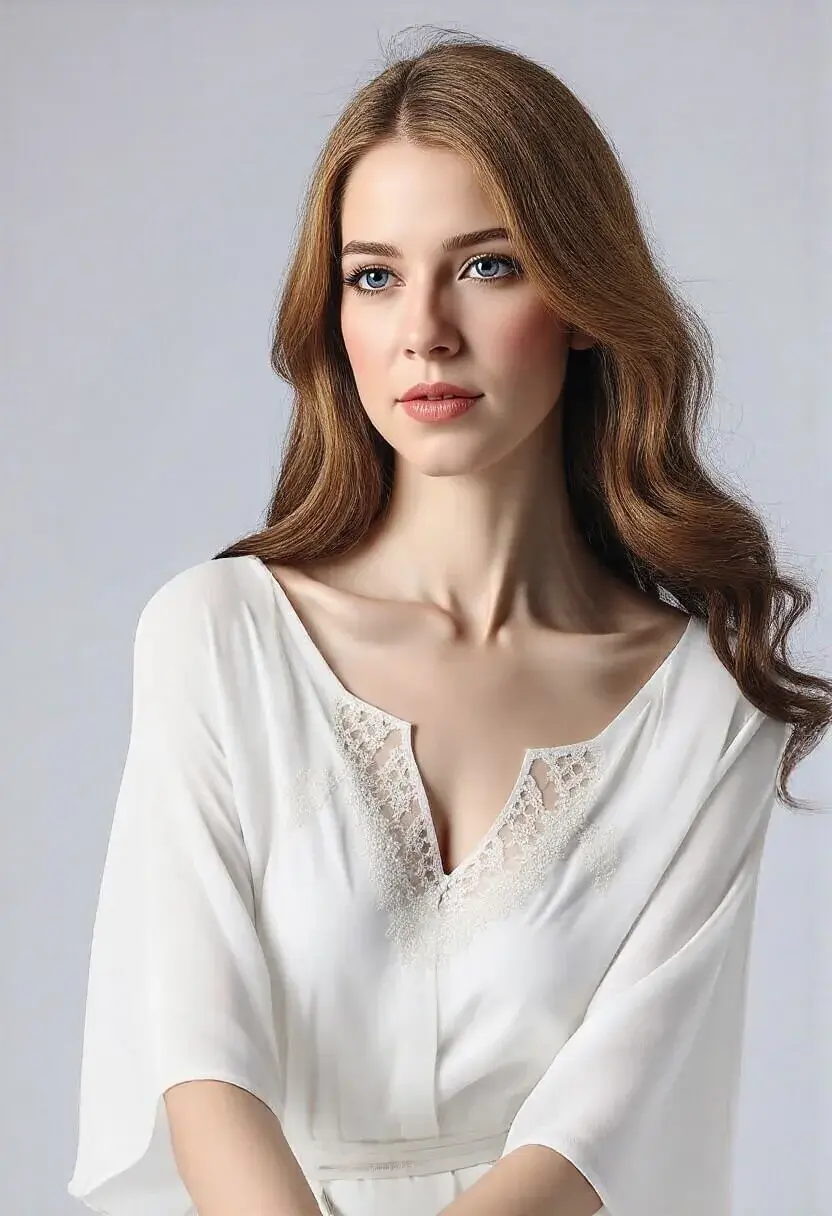
Result
Clothing Item
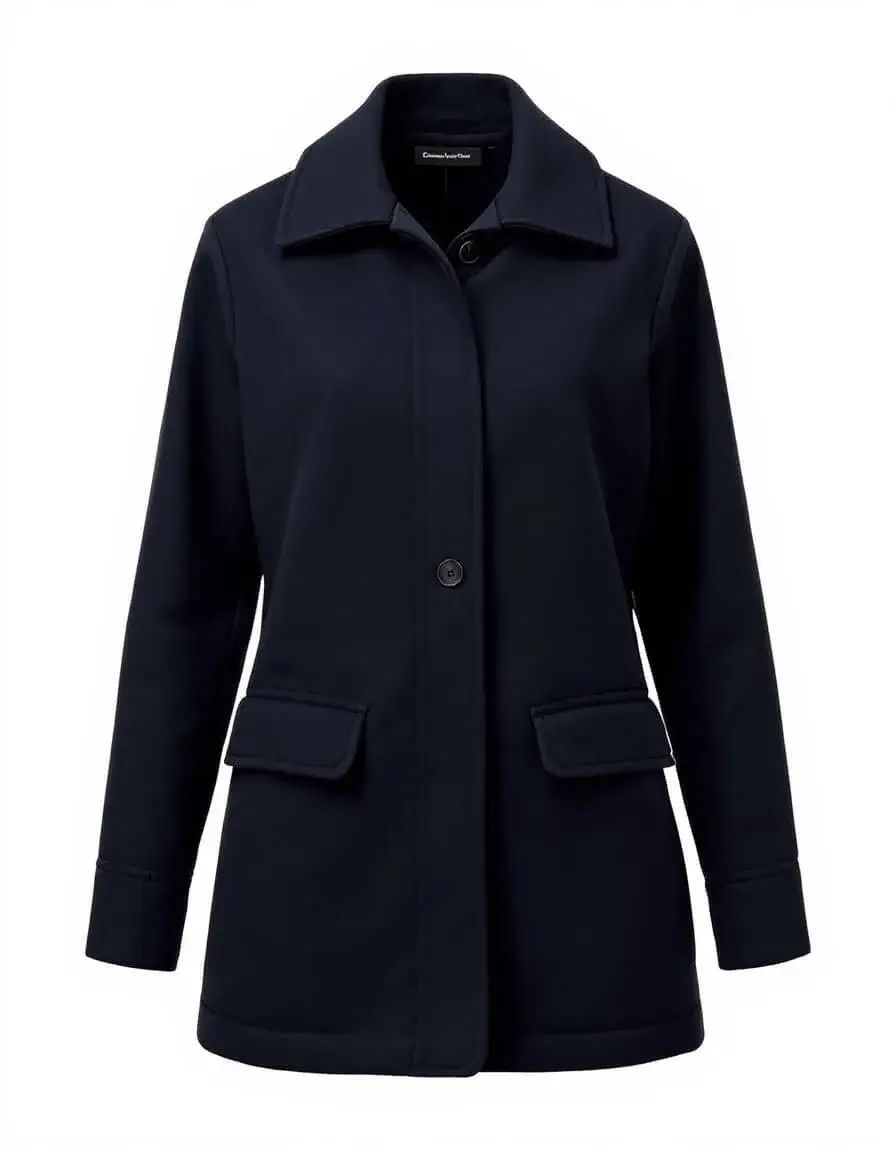
Model Photo
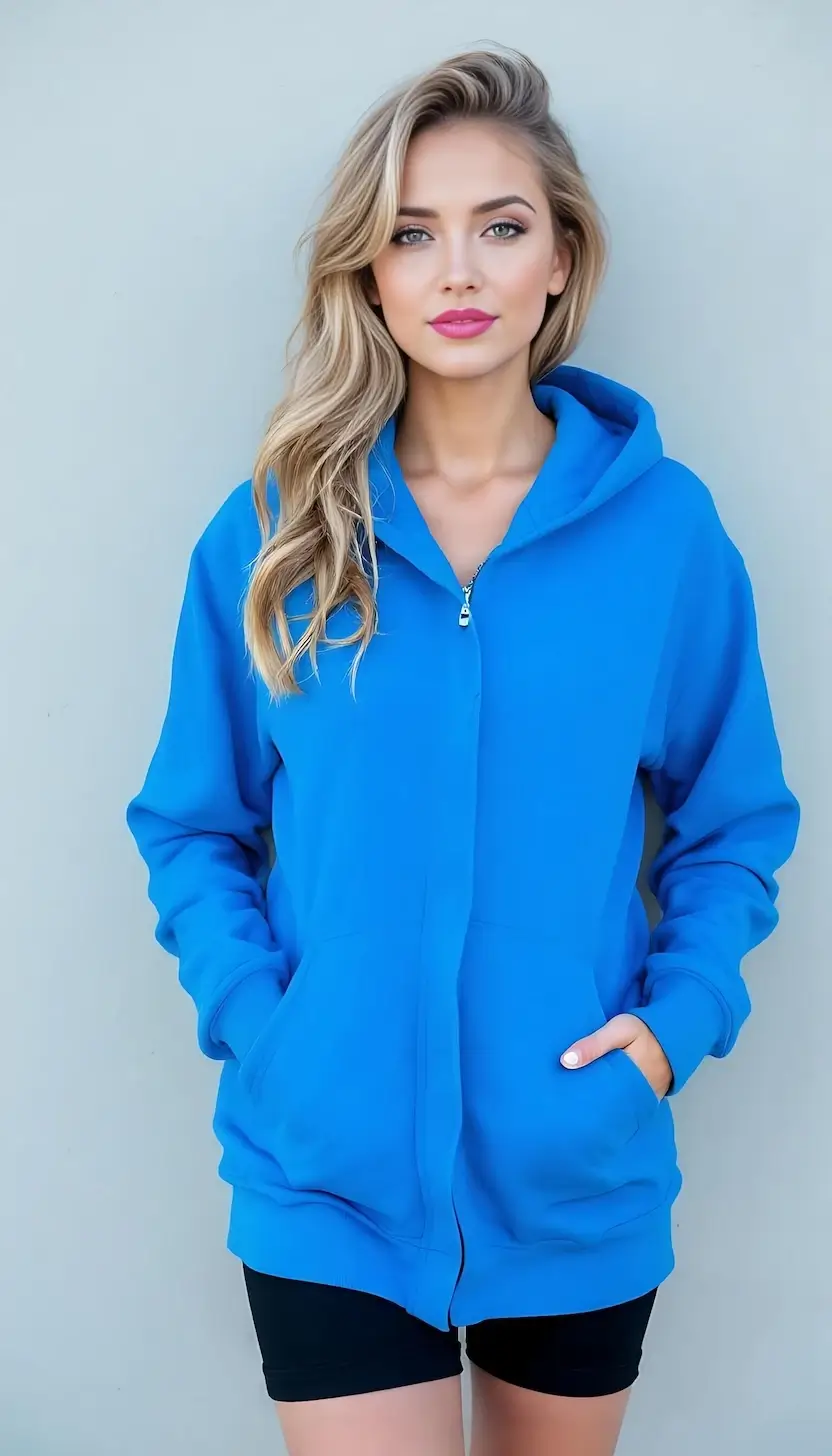
Result
Clothing Item
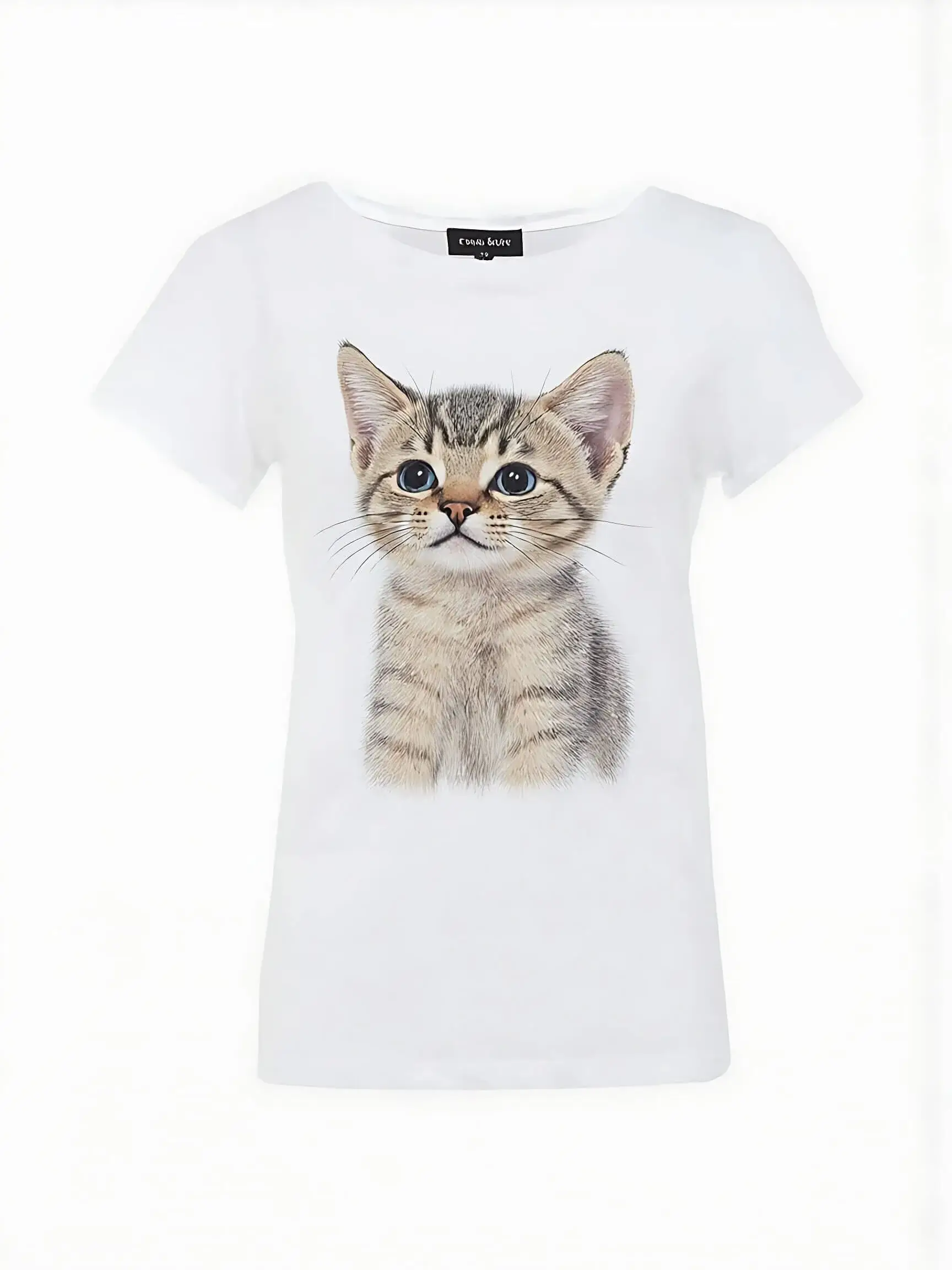
Model Photo
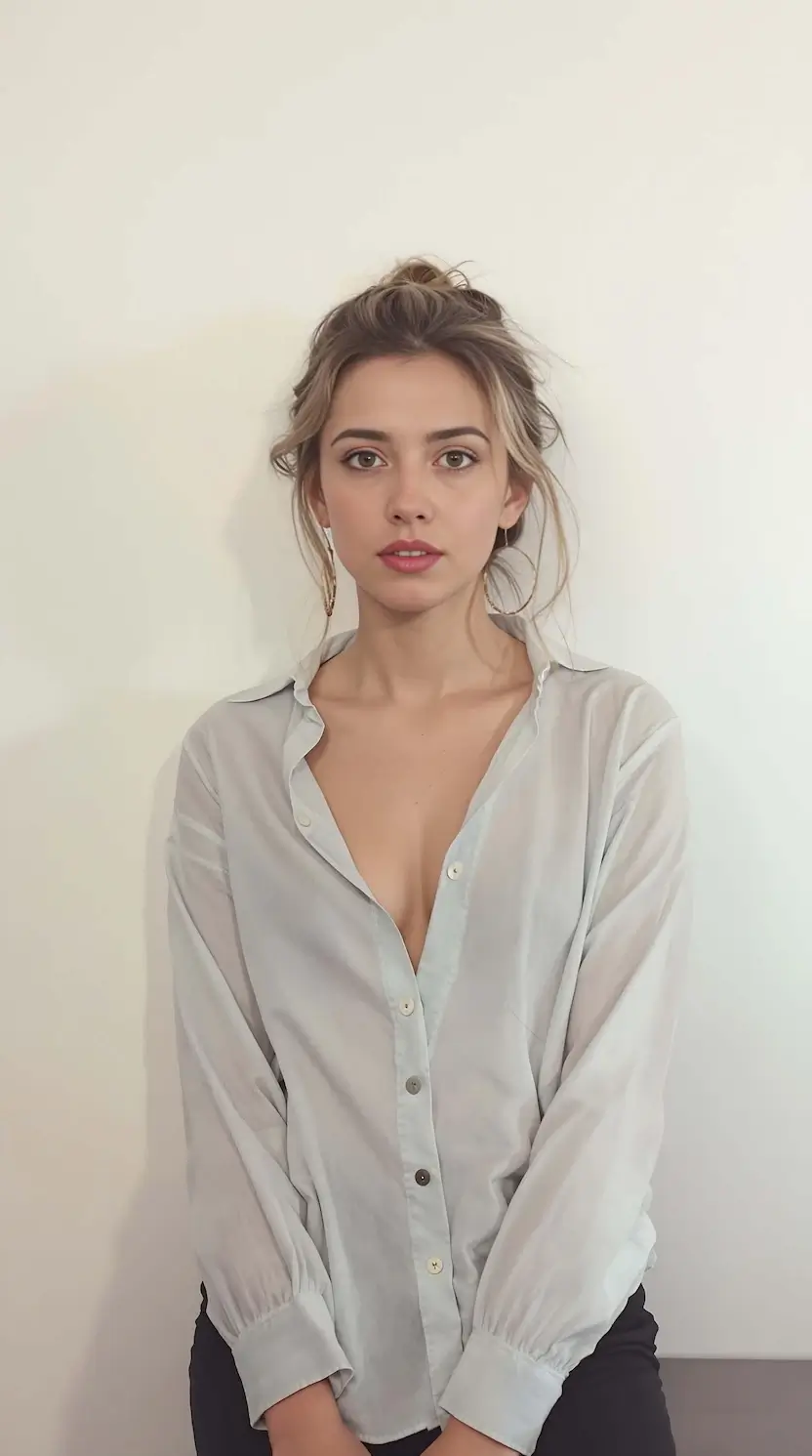
Result
Clothing Item
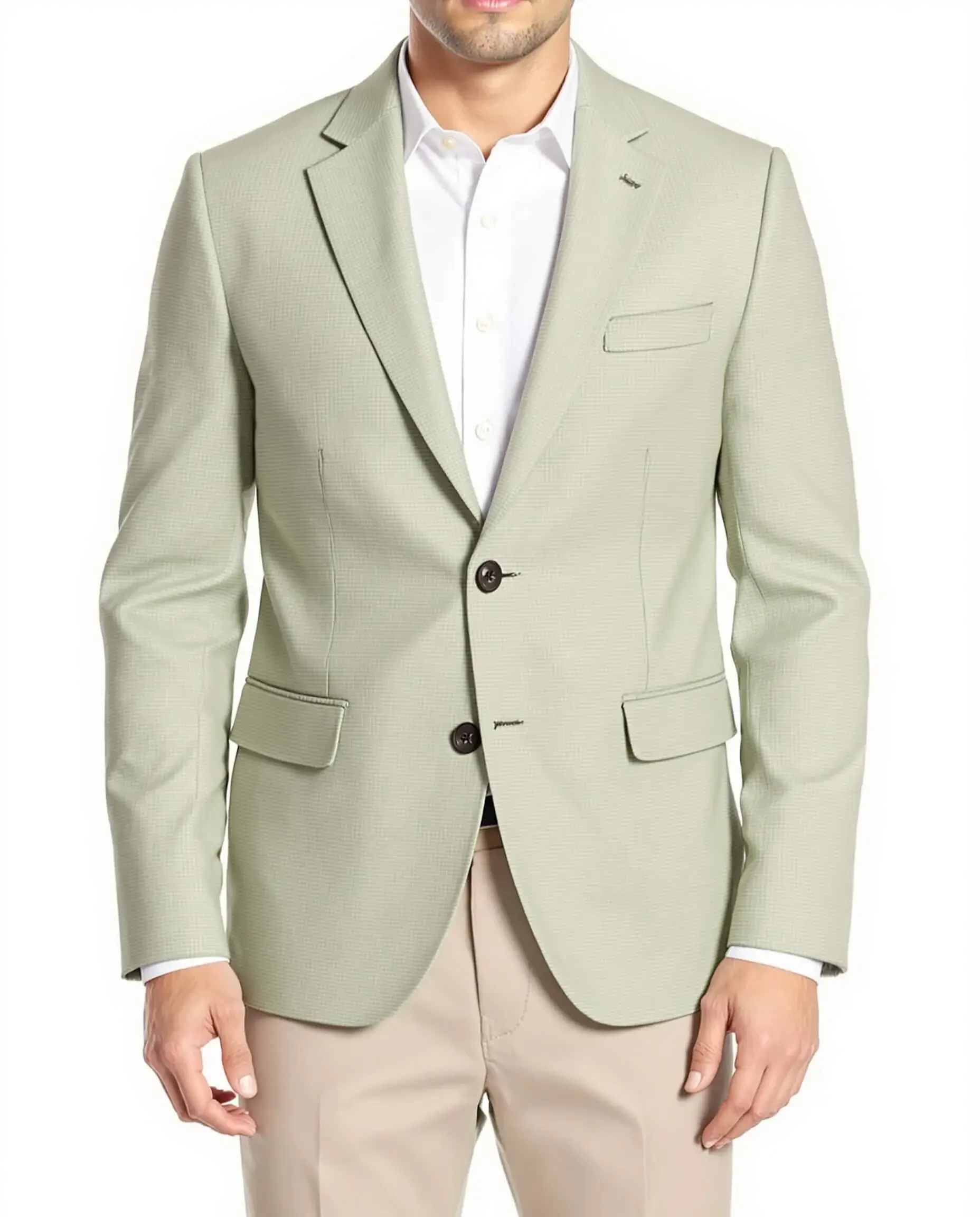
Model Photo
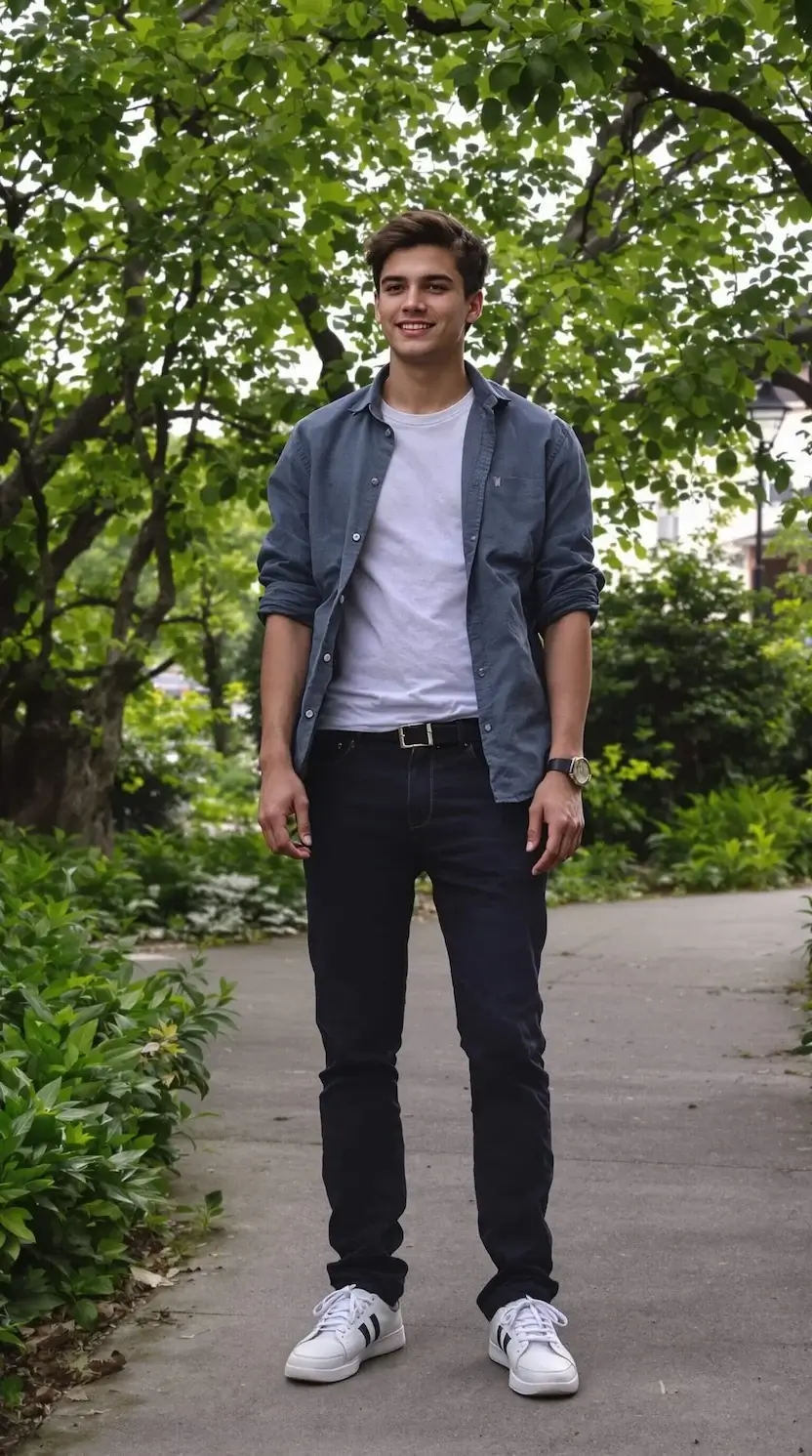
Result
Frequently asked questions
What is Virtual Try-On?
Virtual Try-On uses AI to overlay a garment image onto a model photo, showing you how the clothing would look when worn. It processes your images and generates a realistic try-on result in seconds.
What kind of photos work best?
Use a clear, well-lit photo of a person standing upright. The model should be visible from at least the waist up. For garment images, use a flat-lay or mannequin photo with a clean background.
What types of clothing are supported?
Virtual Try-On supports tops (T-shirts, shirts, sweaters), bottoms (pants, skirts, shorts), and one-piece items (dresses, jumpsuits). The AI automatically detects the garment category.
How long does it take to generate a result?
Most try-on results are ready within 15 to 30 seconds. Complex garments or high-resolution images may take slightly longer.
Can I try on multiple garments?
Yes. Submit separate try-on requests for each garment you want to preview. Each request costs 3 credits and produces one result.
What image formats are accepted?
Upload images in PNG, JPG, or JPEG format. The maximum file size is 10MB per image.
Will the result look realistic?
The AI generates realistic results by adapting the garment to the model's body shape and pose. Results work best with standard clothing and clear input photos.
How much does Virtual Try-On cost?
Each try-on costs 3 credits. You get free credits when you sign up. Failed generations refund your credits automatically. See our Pricing page for credit packages.