Flux 2 – Advanced AI Image Generation & Editing
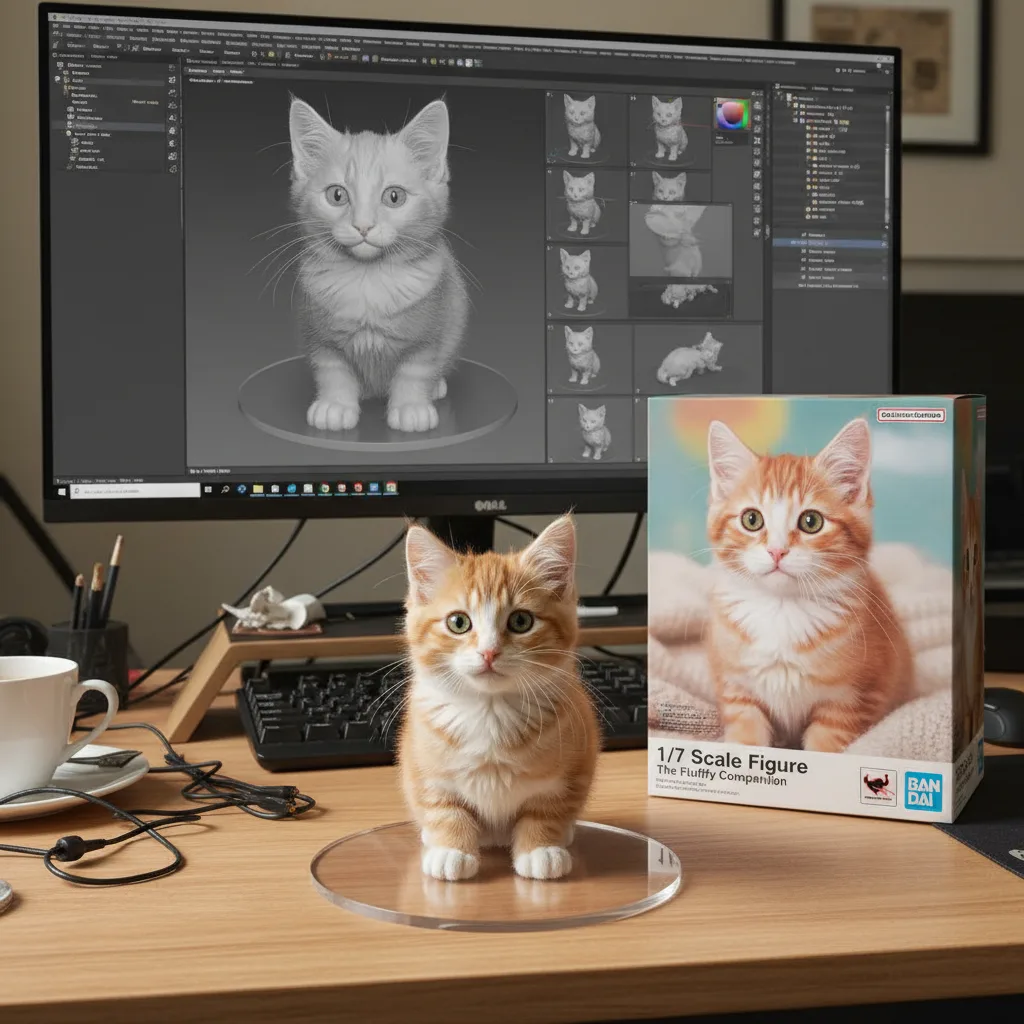
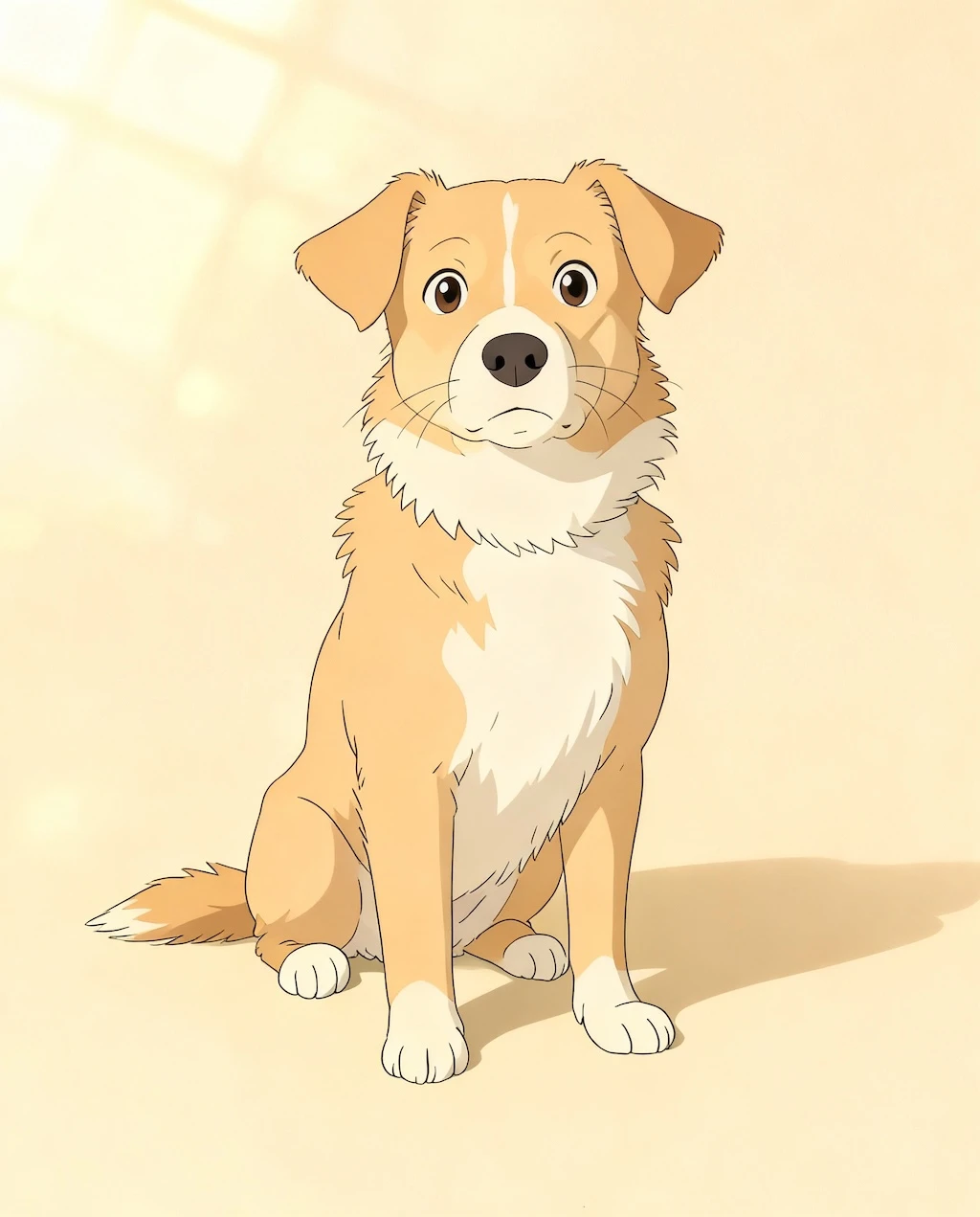
Create and edit high-quality images from text prompts. Flux 2 handles complex text rendering, photorealistic details, and maintains character consistency across multiple reference images.
Frequently asked questions
What is Flux 2?
An image generation and editing model by Black Forest Labs. It creates high-quality images from text prompts and can edit existing images using natural language instructions. The model uses a 24B parameter vision-language model combined with a rectified flow transformer.
How do I edit existing images?
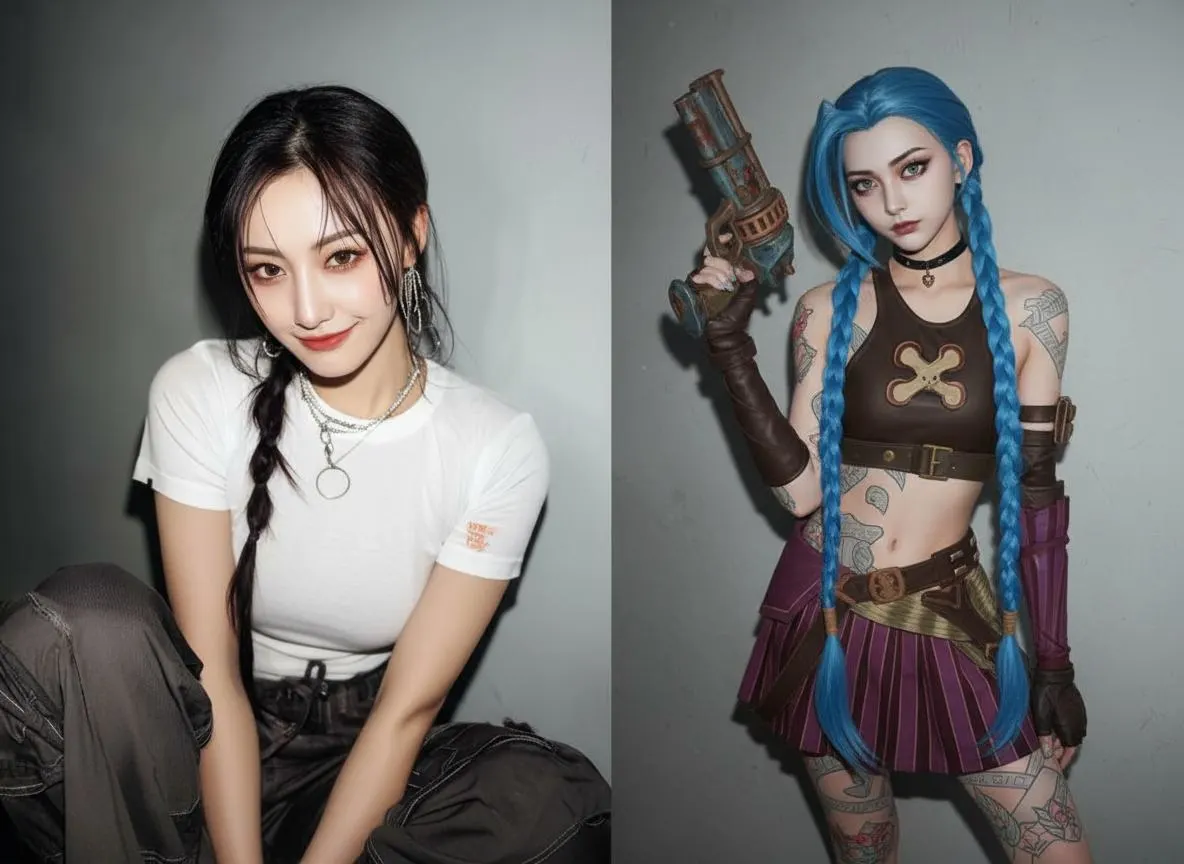
Upload an image and describe changes in natural language. Reference specific parts or point to other reference images by index. Example: 'Replace the background with the beach in image 3' or 'Make the woman wear a red jacket'.
What is JSON prompting?
Structure prompts as JSON with fields for scene, subjects, style, lighting, camera, and color_palette. The camera field accepts angle, distance, focal length, aperture, and ISO. Use hex codes in color_palette for exact color matching.
How do reference images work?
Upload multiple images to guide generation. The model extracts style, composition, or specific elements from them. Point to images by index in your prompt. Total input is limited to 9 megapixels on the API.
Does Flux 2 support negative prompts?
No. The model doesn't understand 'no text' or 'no extra fingers'—it might add what you're avoiding. Instead, describe what you want. Write 'Clean background with hands at rest out of frame' instead of 'no cluttered background, no extra fingers'.
What resolution does it support?
Generate at resolutions up to 4 megapixels while maintaining detail and coherence. The model handles complex scenes at high resolution without losing quality.
How much does it cost?
Credits vary by generation type. Failed generations are automatically refunded. Check the pricing page for current rates.